Are you tired of WiFi dead zones in your home or office? You might be wondering, how far can a tri band WiFi extender actually reach?
Understanding this can help you make the most of your internet connection and enjoy faster, more reliable WiFi wherever you need it. You’ll discover the real range of tri band WiFi extenders, what factors affect their reach, and how to place them for the best coverage.
Keep reading to unlock the full potential of your WiFi and say goodbye to frustrating slow spots for good.
Tri Band Wifi Extender Basics
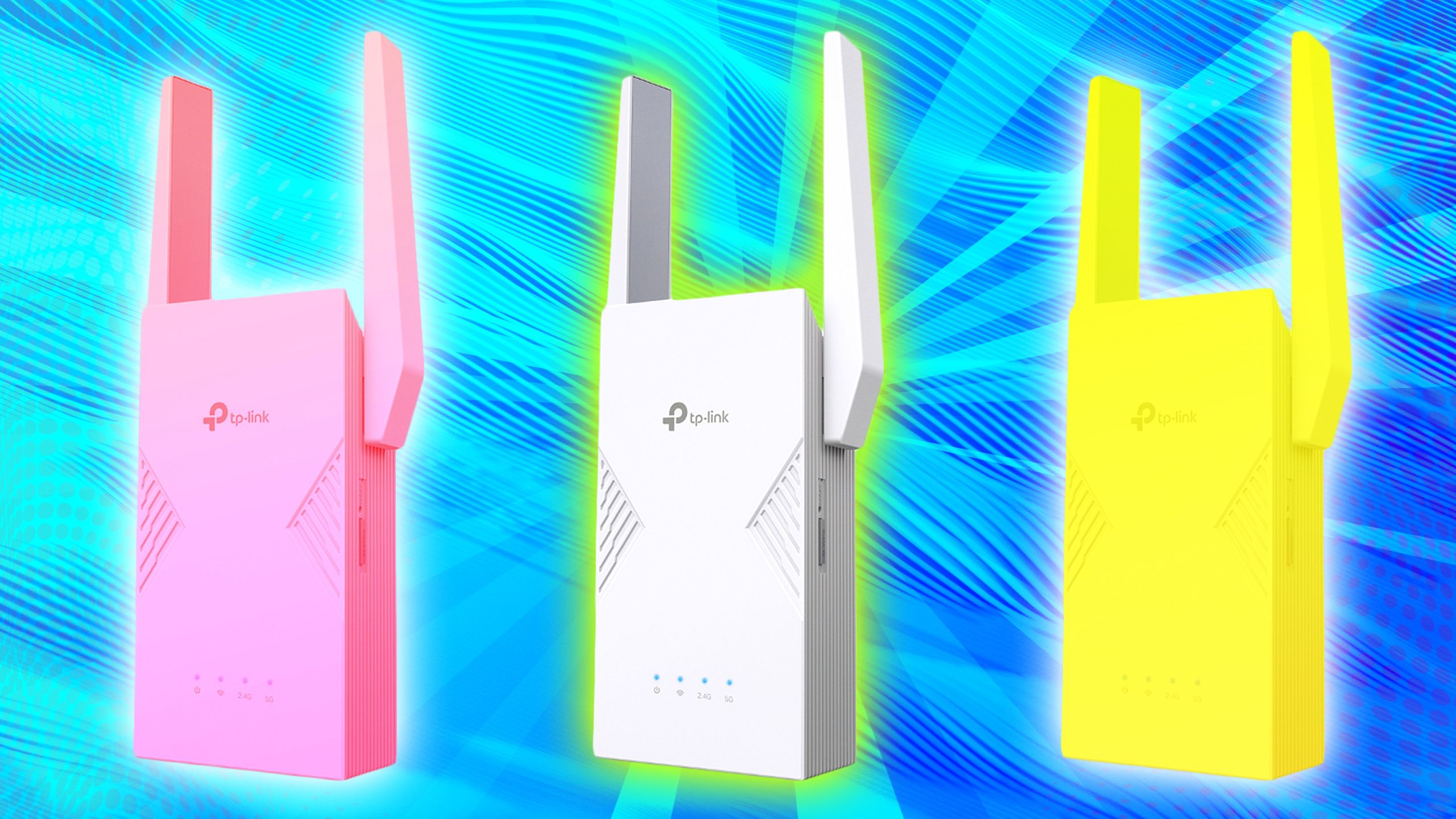
A Tri Band Wifi Extenderuses three separate frequency bands to boost your wifi signal. It has one 2.4 GHz band and two 5 GHz bands. This helps reduce network congestion and improves speed.
Advantages over Dual Band Modelsinclude:
- Better performance with less interference
- Higher total bandwidth for multiple devices
- Improved stability and faster connections
How Tri Band Technology Works:One 5 GHz band connects to your router. The other 5 GHz band and the 2.4 GHz band connect to your devices. This setup creates a faster and more reliable network.
Credit: www.pocket-lint.com
Factors Affecting Extender Range
Signal strength, obstacles like walls, and device quality impact a tri-band WiFi extender’s range. Placement also plays a big role in how far the signal can travel. Environmental factors and interference affect coverage too.
Signal Interference Sources
Other wireless deviceslike microwaves, baby monitors, and cordless phones can weaken signals. Nearby WiFi networks also cause interference. This can reduce the effective rangeof your tri-band extender.
Physical Barriers And Materials
Walls, floors, and furniture block signals. Materials like metal, concrete, and brick are especially tough. Glass and wood block less, but still affect range. Open spaces help the signal travel further.
Router And Extender Placement
- Place the router in a central spot.
- Keep the extender where the signal is still strong.
- Avoid corners and basements.
- Higher placement usually helps.
- Clear line of sight improves performance.
Typical Range Expectations
Tri band WiFi extendersoffer better coverage than single or dual band devices. Indoor coverageusually ranges from 1,500 to 2,500 square feet. Walls, furniture, and appliances can reduce this range. Signals weaken as they pass through obstacles.
Outdoors, these extenders can reach up to 600 feet or more in open spaces. Trees, buildings, and weather affect outdoor range. Open areas help signals travel farther.
| Device Feature | Impact on Range |
|---|---|
| Number of Antennas | More antennas improve signal strength and reach |
| Frequency Bands | Tri band allows less interference and better speed |
| Transmit Power | Higher power extends coverage but may use more energy |
| Placement | Closer to the router means better coverage |
Credit: www.netgear.com
Maximizing Extender Coverage
A tri-band WiFi extender can boost your signal up to 150 feet indoors, depending on walls and obstacles. Placing it in open areas helps maximize coverage and reduce dead zones. Distance varies, but careful setup improves connection strength throughout your space.
Optimal Placement Tips
Place the extender halfway between your router and the weak signal area. Avoid walls and metal objects that block signals. High places like shelves work better than floors. Keep the extender away from microwaves and cordless phones that cause interference. Test signal strength in different spots to find the best place.
Using External Antennas
External antennas can improve signal range and strength. Adjust them to different angles for better coverage. Some extenders allow upgrading antennas for stronger signals. Point antennas toward the area needing better WiFi. This helps reach farther rooms and floors.
Firmware And Software Updates
Keep your extender’s firmware up to date. Updates fix bugs and improve performance. Check the manufacturer’s website or app for updates. Regular updates can extend coverage and speed. Set automatic updates if possible to stay current.
Common Range Limitations
Network congestioncan slow down your WiFi extender’s reach. Many devices using the same channel cause interference. This lowers the signal strength and makes the connection weaker.
Environmental challengesalso affect the range. Walls, floors, and furniture block signals. Thick walls or metal objects reduce the WiFi distance a lot. Even microwaves and cordless phones can cause problems.
Hardware constraintslimit how far the signal travels. The tri-band extender uses three frequencies, but each has its own range. Higher frequencies travel less far but carry more data. Lower frequencies go farther but are slower.

Credit: www.amazon.ca
Testing And Measuring Range
Tools like Wi-Fi analyzershelp check signal strength clearly. Apps on phones or laptops show signal bars and network quality. Some common tools include NetSpot, Ekahau, and inSSIDer. These tools show where the signal is strong or weak. Testing in different rooms gives a full picture of range.
Speed and latency tests reveal real network performance. Speed shows how fast data moves. Latency tells how quickly devices respond. Use websites like Speedtest.netto measure these. A good extender keeps speeds high and latency low even far away.
Adjust the extender’s spot if speeds drop or latency grows. Moving closer to the router may help. Avoid thick walls or metal objects that block signals. Test again after moving to find the best place. Proper setup means better coverage and faster Wi-Fi.
Choosing The Right Extender
Assessing your coverage needs is key to choosing the right tri-band WiFi extender. Consider the size of your home and areas with weak signals. Tri-band extenders offer three frequency bands for better speed and less interference. This helps cover larger spaces effectively.
| Model | Max Coverage | Frequency Bands | Price Range |
|---|---|---|---|
| Model A | Up to 3000 sq ft | 2.4 GHz, 5 GHz (x2) | $70 – $100 |
| Model B | Up to 4000 sq ft | 2.4 GHz, 5 GHz (x2) | $90 – $130 |
| Model C | Up to 5000 sq ft | 2.4 GHz, 5 GHz (x2) | $120 – $160 |
- Choose a model fitting your home size and budget.
- More coverage usually means higher cost.
- Check for easy installation and good reviews.
- Balance price and performance for best value.
Frequently Asked Questions
What Is The Range Of A Tri Band Wifi Extender?
A tri band WiFi extender can reach up to 2,500 square feet. The range can vary based on obstacles, interference, and the specific model. For optimal performance, place the extender in a central location, away from thick walls and electronic devices.
How Do Obstacles Affect Wifi Extender Range?
Obstacles can significantly reduce the WiFi extender’s range. Walls, floors, and electronic devices interfere with signal strength. To maximize coverage, position the extender in an open space, away from obstructions, and at an elevated position.
Does A Tri Band Extender Improve Speed?
Yes, a tri band extender can improve speed by reducing congestion. It uses three frequency bands to distribute traffic efficiently. This helps maintain fast and stable connections even with multiple devices connected, enhancing your overall internet experience.
Can A Wifi Extender Reach The Backyard?
A WiFi extender can cover outdoor areas like backyards if within range. Ensure minimal obstructions and interference between the router and extender. Using a weatherproof extender model specifically designed for outdoor use can further enhance coverage.
Conclusion
A tri-band WiFi extender can cover a large area. It helps reduce dead spots in your home or office. The exact reach depends on walls, floors, and interference. Stronger signals travel farther, but obstacles can slow them down. Choosing the right spot for your extender matters a lot.
This device improves your internet experience by spreading the signal better. Remember, no extender can cover unlimited space perfectly. Testing and adjusting placement will give the best results. A tri-band extender is a smart choice for better WiFi coverage.