Are you tired of dead zones and slow internet in your home? Choosing the right mesh WiFi system can change everything.
But with so many options out there, how do you pick the one that fits your needs perfectly? This guide will help you understand what really matters when selecting a mesh WiFi, so you can enjoy fast, reliable internet everywhere in your space.
Keep reading to discover simple tips that will save you time and frustration.

Credit: www.zdnet.com
Benefits Of Mesh Wifi
Mesh WiFi systems offer significant advantages that can transform your home internet experience. They address common frustrations like weak signals and dropped connections, making your network more reliable and easier to manage.
Eliminating Dead Zones
Dead zones are those annoying spots in your home where the WiFi signal just disappears. Mesh WiFi uses multiple nodes placed around your house to blanket every corner with strong coverage.
You won’t have to move closer to your router or guess where the signal is strongest. Think about streaming your favorite shows in the backyard or working in a quiet corner without interruptions.
Easy Network Expansion
Adding more coverage with mesh WiFi is simple and flexible. If you find a new dead zone or move to a bigger place, just add another node to your network.
There’s no complicated setup or extra wiring. This means you can scale your network as your needs grow without stress or technical headaches.
Improved Device Connectivity
Mesh systems manage multiple devices smoothly, so your phone, laptop, smart TV, and other gadgets all get a stable connection. You won’t experience slowdowns even when many devices are online at once.
Some mesh WiFi setups automatically connect your device to the strongest node as you move around, keeping your connection seamless. This hands-off approach means less hassle and better performance throughout your day.
Key Features To Look For
Choosing the right mesh WiFi system means focusing on key features. These features impact your home network’s speed, reach, and security. Understanding each aspect helps pick a system that fits your needs and space.
Coverage Area
Mesh WiFi systems cover large spaces with strong signals. Check the coverage size before buying. Match it with your home or office area. Some systems cover up to 6,000 square feet or more. Think about walls and floors, as they can block signals.
Number Of Nodes
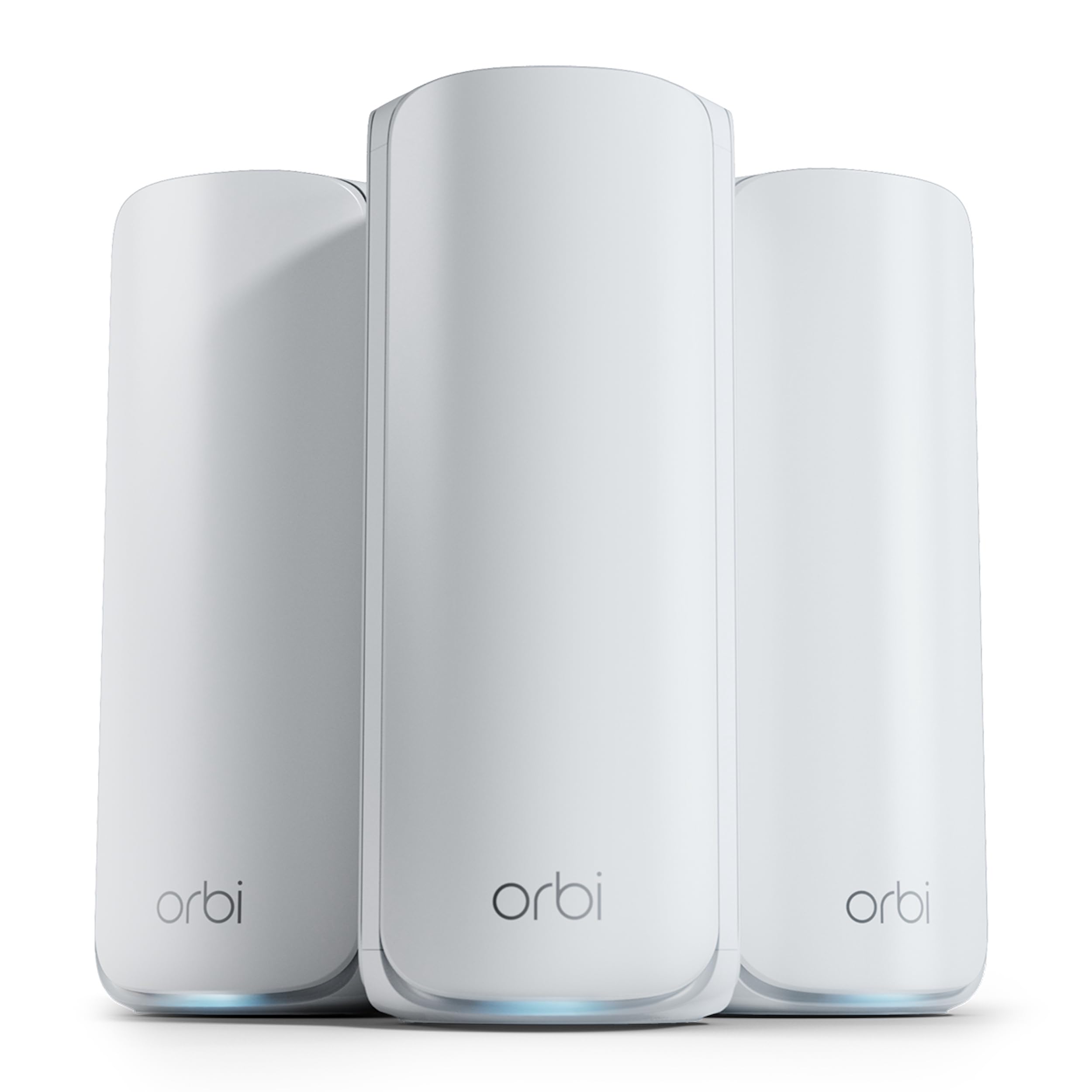
Nodes are the devices that spread WiFi signals. More nodes mean better coverage and fewer dead zones. A typical system has two or three nodes. Bigger homes may need more. Place nodes evenly for best results.
Speed And Bandwidth
Speed affects how fast your devices connect to the internet. Bandwidth controls how many devices can use the WiFi at once. Look for systems with high-speed ratings and strong bandwidth. This keeps your connection smooth during streaming or gaming.
Security Options
Strong security protects your network from threats. Look for mesh WiFi with built-in firewalls and encryption. Features like automatic updates and guest networks add safety. Some systems include parental controls for family use.
Compatibility With Devices
Your mesh WiFi should work with all your gadgets. Check if it supports smartphones, laptops, smart TVs, and smart home devices. Compatibility ensures all devices connect without problems. Some systems work better with certain internet providers or standards.
Types Of Mesh Systems
Choosing the right mesh WiFi system means understanding the different types available. Each type offers unique features that impact your home network’s speed, coverage, and reliability. Knowing these differences helps you pick a system that fits your specific needs and environment.
Single-band Vs Dual-band
Single-band mesh systems use only one frequency band, usually 2.4 GHz. This band covers a wider area but offers slower speeds and can get crowded with other devices.
Dual-band systems add a 5 GHz band, which provides faster speeds but covers a smaller area. This setup balances coverage and speed by using the 5 GHz band for devices close to the router and 2.4 GHz for those farther away.
If you have many devices or stream high-definition content, dual-band systems often deliver better performance. Have you noticed slowdowns on your current WiFi when multiple devices connect? A dual-band mesh might fix that.
Tri-band Systems
Tri-band mesh systems add a second 5 GHz band, dedicated to communication between mesh nodes. This creates a faster, less congested backhaul for data to travel across your network.
This type is ideal for larger homes or busy networks with many devices. It prevents slowdowns caused by mesh nodes sharing the same band they use to connect your devices.
If you want seamless streaming or gaming in every corner of your house without lag, tri-band could be worth the investment. Ask yourself: Is my current WiFi struggling to keep up during busy hours?
Whole Home Vs Outdoor Mesh
Whole home mesh systems focus on indoor coverage, spreading WiFi evenly throughout your living space. They work best in multi-room homes or apartments with thick walls.
Outdoor mesh systems extend your WiFi beyond the walls, covering gardens, patios, or garages. These systems are weather-resistant and designed to handle outdoor conditions.
Think about where you need WiFi most. Do you want reliable internet while gardening or hosting outdoor gatherings? Outdoor mesh nodes can keep you connected everywhere.
Credit: www.techradar.com
Installation And Setup Tips
Choosing mesh WiFi involves checking coverage area and device compatibility. Evaluate ease of installation and user-friendly setup options. Consider features like parental controls and security protocols.
Choosing the right mesh WiFi system involves more than just brand names and price tags. The installation and setup process is crucial for ensuring optimal performance. With a few strategic moves, you can make sure your mesh WiFi operates at its best.Optimal Node Placement
Placement of nodes can make or break your WiFi experience. Position nodes in central locations to maximize coverage and minimize signal interference. Avoid barriers like thick walls and electronic devices that can disrupt signals. Think about where you use the internet most, such as the living room or home office. Testing different placements can reveal surprising dead zones or sweet spots. Make adjustments until you achieve consistent coverage throughout your home.Using Mobile Apps
Most mesh WiFi systems come with user-friendly mobile apps. These apps guide you through the setup process and make managing your network a breeze. You can monitor speed, track connected devices, and even set up guest networks with just a few taps. Imagine sitting on your couch and optimizing your network with your smartphone. It’s like having a remote control for your internet. Apps often include troubleshooting tips, saving you time and frustration when issues arise.Firmware Updates
Regular firmware updates are vital for security and performance improvements. Check your mesh system’s app or website for update notifications. Applying updates ensures your network remains secure from vulnerabilities. Some systems offer automatic updates, eliminating the need for manual checks. However, it’s always a good idea to verify that your system is running the latest version. Keeping your firmware up to date is a simple step that can enhance your mesh WiFi’s reliability and speed. Have you ever neglected an update and faced connectivity issues? Regular updates could be the unseen hero of a seamless online experience.Common Challenges And Fixes
Choosing the right mesh WiFi system can significantly improve your home or office internet experience. However, you might face some common challenges that affect performance. Knowing how to identify and fix these issues can save you time and frustration.
Interference Issues
Wireless signals often clash with other electronic devices. Microwaves, cordless phones, and even baby monitors can cause interruptions. Try moving your mesh nodes away from these devices to reduce interference.
Another tip is to switch your mesh system to a less crowded WiFi channel. Many mesh routers have automatic channel selection—make sure it’s enabled. If your mesh supports dual-band or tri-band, assign different bands for backhaul and device connections to minimize signal overlap.
Node Connectivity Problems
Nodes sometimes fail to communicate properly, causing dead zones. Placing nodes too far apart or behind thick walls can break the connection. Check the placement carefully and ensure nodes are within a reasonable range of each other.
Restarting nodes can also help resolve connectivity hiccups. Firmware updates often fix bugs, so keep your mesh system’s software up to date. If a node consistently drops, consider replacing it or adding an extra node to strengthen the network.
Managing Network Traffic
Multiple devices streaming, gaming, or downloading at once can strain your mesh WiFi. Quality of Service (QoS) settings allow you to prioritize important traffic, such as video calls or work applications. Have you explored your router’s QoS options yet?
Limiting the number of connected devices or scheduling usage times can prevent slowdowns. Some mesh systems provide detailed traffic monitoring—use this to identify bandwidth hogs. Adjusting settings based on real-time data keeps your network running smoothly.
Top Brands And Models
Choosing the right mesh WiFi system means exploring trusted brands and models. Each offers unique features tailored to different needs. Some focus on cost-effectiveness, others on speed or ease of use. Understanding these options helps you pick a mesh system that fits your home and budget.
Budget-friendly Options
Affordable mesh WiFi systems deliver solid coverage without high prices. These models suit small to medium homes and basic internet use. Expect decent speeds and stable connections.
- TP-Link Deco M4: Reliable and easy to set up.
- Amazon Eero 6: Combines value with good performance.
- Google Nest Wifi: Simple design and solid range.
High-performance Systems
High-performance mesh systems handle heavy internet use and large homes. They offer faster speeds, better coverage, and advanced features. Ideal for gamers, streamers, or smart home users.
- Netgear Orbi RBK852: Excellent speed and wide coverage.
- Asus ZenWiFi AX (XT8): Strong security and fast WiFi 6 support.
- Linksys Velop MX10: Great for multiple devices and large spaces.
User-friendly Choices
User-friendly mesh systems focus on simple setup and easy control. These models suit those new to mesh WiFi or who prefer hassle-free operation. Mobile apps guide through installation and management.
- Google Nest Wifi: Intuitive app and voice assistant built-in.
- Amazon Eero Pro 6: Step-by-step setup with helpful app features.
- TP-Link Deco S4: Straightforward app and good parental controls.
Cost Considerations
Cost plays a key role in choosing the right mesh WiFi system. It is important to balance price with features and performance. Understanding different cost factors helps make a smart decision.
Initial Investment
The initial investment includes the price of the mesh WiFi kit. Kits usually contain two or more units to cover large areas. Prices vary based on brand, speed, and coverage. Higher-end models cost more but offer faster speeds and better range. Budget options are cheaper but may have fewer features.
Long-term Value
Long-term value depends on durability and upgrades. A good mesh system should last several years. Look for systems with firmware updates to improve performance. Consider energy use as it affects electricity bills. Spending more upfront can save money by reducing replacements and maintenance.
Subscription Services
Some mesh WiFi systems require subscriptions for extra features. These can include advanced security, parental controls, and cloud storage. Subscription fees add to the total cost over time. Decide if these features are important before choosing a plan. Many systems work well without subscriptions, keeping costs low.
Tips For Future-proofing
Choosing a mesh WiFi system that lasts is smart. Technology changes fast. A system that works well today may struggle tomorrow. Future-proofing helps your network stay strong and fast for years. Here are key tips to keep your mesh WiFi ready for the future.
Support For Wi-fi 6 And Beyond
Wi-Fi 6 offers faster speeds and better device handling. It reduces lag and improves coverage. Pick a mesh system that supports Wi-Fi 6 or newer standards. This choice keeps your network up to date with future devices. It also helps manage many devices without slowing down.
Scalability
Your internet needs might grow. Choose a mesh WiFi system that lets you add more units easily. This option expands coverage without replacing the whole system. Look for systems with flexible packages. This way, you can boost your network as your home or office grows.
Regular Software Updates
Software updates fix bugs and improve security. They add new features and improve speed. Select a mesh system from brands known for regular updates. Updates keep your network safe from threats. They also ensure your mesh system runs smoothly over time.

Credit: www.pcmag.com
Frequently Asked Questions
What Factors Affect Mesh Wifi Performance?
Mesh WiFi performance depends on router placement, number of nodes, and interference. Proper placement reduces dead zones. More nodes improve coverage. Avoid physical obstructions and electronic interference for optimal speed and reliability.
How Many Mesh Wifi Nodes Do I Need?
The number of nodes depends on your home size. Smaller homes may need 2-3 nodes. Larger spaces or multi-story houses require 4 or more nodes for consistent coverage throughout.
Is Mesh Wifi Better Than A Traditional Router?
Mesh WiFi offers wider coverage and seamless connectivity. It eliminates dead zones common with traditional routers. It’s ideal for large or complex layouts needing stable, fast internet in every corner.
Can Mesh Wifi Support Many Devices Simultaneously?
Yes, mesh WiFi systems handle multiple devices efficiently. They distribute bandwidth evenly to prevent slowdowns. This makes them perfect for smart homes or offices with many connected gadgets.
Conclusion
Choosing the right mesh WiFi means better internet at home. Think about your space size and device count. Check for easy setup and good coverage. Don’t forget to compare speeds and security features. A good mesh system keeps your connection strong everywhere.
Take your time to pick what fits your needs best. Enjoy smooth and fast WiFi without dead zones. Simple steps lead to better online experiences for all.