Is your tri band router not working as smoothly as it used to? You might be surprised to learn that a simple cleaning can boost its performance and extend its life.
Dust and grime can block vents and slow down your internet speeds without you even noticing. You’ll discover easy, step-by-step tips to clean your tri band router safely and effectively. Keep reading to unlock faster, more reliable Wi-Fi right from your own home.
Why Clean Your Tri Band Router
Keeping your tri band router clean is more important than you might think. Dust and debris can quietly affect how well your router works without you noticing right away. Taking a few moments to clean it can improve your internet speed and extend the life of your device.
Impact Of Dust On Performance
Dust buildup blocks the airflow around your router. This causes it to overheat, which can slow down its processing power. Overheated routers may reduce signal strength or even disconnect randomly, leaving you frustrated.
Additionally, dust can settle inside the ports and vents. This affects the connection quality and can cause hardware issues over time. Have you ever experienced slow internet for no clear reason? Dust could be the hidden culprit.
Signs Your Router Needs Cleaning
Watch for these warning signs that your router needs attention:
- Unexpected drops in Wi-Fi speed or frequent disconnections
- Router feels unusually warm to the touch
- Visible dust on vents and ports
- Indicator lights flicker or behave erratically
If you notice any of these, it’s time to open up your router and give it a gentle clean. Ignoring these signs can lead to more serious problems and costly replacements.
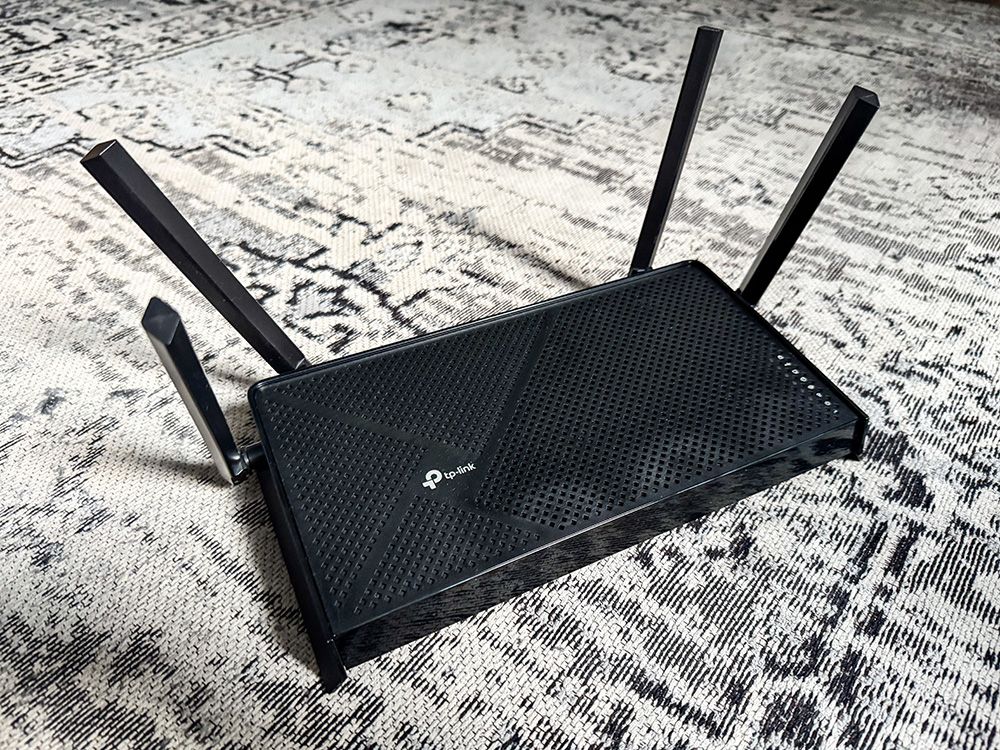
Credit: www.popularmechanics.com
Tools Needed For Cleaning
Cleaning your tri-band router is a simple task, but having the right tools makes it much easier and more effective. Without the proper supplies, you risk damaging sensitive components or missing hard-to-reach dust. Let’s look at the essential tools you need and some optional accessories that can help you go deeper in your cleaning routine.
Essential Cleaning Supplies
- Microfiber Cloth:This soft cloth is perfect for wiping down the exterior without scratching the surface. It traps dust well and doesn’t leave lint behind.
- Compressed Air Can:Dust often hides inside vents and ports. A quick burst of compressed air blasts it out without the need to open the router.
- Isopropyl Alcohol (70% or higher):Use this to gently clean stubborn dirt or sticky spots. It evaporates quickly and won’t harm the plastic casing when used sparingly.
- Soft-Bristled Brush:A small brush helps dislodge dust from tight spaces, especially around antennas and ventilation holes.
- Q-Tips or Cotton Swabs:These are great for reaching into tiny crevices and cleaning ports carefully without causing damage.
Optional Accessories For Deep Cleaning
- Vacuum Cleaner with Small Nozzle:If you have a vacuum designed for electronics, it can help suck out dust from inside vents without creating static.
- Anti-Static Wrist Strap:When opening your router for internal cleaning, this strap prevents static electricity from harming sensitive components.
- Small Screwdriver Set:Some routers require screws to be removed before accessing the inside. Having the right screwdriver prevents stripping screws or damage.
- Soft Paintbrush:A gentle paintbrush can reach areas where cloths and Q-tips can’t, especially useful for delicate internal parts.
Think about how often you clean your router. Could adding one or two of these tools improve your process? Having the right supplies ready can turn a tedious chore into a quick, satisfying task that keeps your internet running smoothly.
Preparing Your Router
Preparing your tri-band router before cleaning is crucial. It helps avoid damage and keeps your device safe. Taking simple steps ensures a smooth cleaning process and better results.
Start by turning off the router properly. Then, disconnect all cables carefully. These actions protect both you and the router from harm.
Powering Down Safely
Locate the power button on your router. Press it to turn off the device. Wait for the lights to go off completely. This confirms the router is fully powered down. Avoid unplugging the router while it is still on. Sudden power loss can harm the internal components.
Disconnecting Cables
Unplug all cables connected to the router. This includes Ethernet cables, power cords, and USB devices. Hold the connectors firmly and pull gently. Avoid yanking on the cables to prevent damage. Place the cables away from your cleaning area. This keeps them clean and untangled during the process.
Cleaning The Exterior
Gently wipe the router’s exterior with a soft, dry cloth to remove dust and dirt. Avoid using water or liquid cleaners near the device’s vents and ports. Keep the surface clean to help maintain good airflow and prevent overheating.
Cleaning the exterior of your tri-band router is not just about aesthetics; it’s about ensuring optimal performance and longevity. Dust and grime can obstruct air vents and ports, leading to overheating and poor connectivity. By taking the time to maintain the exterior, you can prevent these issues and keep your router running smoothly.Wiping Down Surfaces
Start by unplugging your router to ensure safety. Use a soft microfiber cloth slightly dampened with water or a mild cleaning solution. Gently wipe down all visible surfaces, including the top, sides, and bottom of the router. Avoid using paper towels, as they can leave fibers behind. Pay extra attention to areas with more dust accumulation. A clean surface not only looks better but also helps in efficient heat dissipation.Cleaning Vents And Ports
Vents and ports are critical for airflow and connectivity. Use a can of compressed air to blow out any dust or debris from these areas. Hold the can upright and spray short bursts to avoid moisture buildup. For ports, consider using a soft-bristled brush to remove dust gently. This step ensures that your connections remain secure and free from obstruction. You might be surprised at how much dust can accumulate here over time. How often do you think about the cleanliness of your router? Regularly cleaning the exterior can make a noticeable difference in performance. By following these simple steps, you’re investing in a more reliable and efficient device.Cleaning Internal Components
Cleaning internal components of a tri-band router keeps it working well. Dust and dirt can block airflow and cause overheating. Regular cleaning stops performance issues and extends the router’s life.
Opening The Router Case
Unplug the router from power and disconnect all cables. Place it on a clean, flat surface with good light. Use a small screwdriver to remove screws on the back or bottom. Keep the screws safe. Gently lift the case off without forcing it. Avoid breaking plastic clips inside.
Removing Dust From Circuit Boards
Use a soft brush or canned air to clear dust on circuit boards. Hold the router at an angle to let dust fall out. Do not blow air with your mouth. Avoid using a vacuum, which can cause static damage. Repeat the cleaning until no dust remains.
Handling Delicate Parts Safely
Touch circuit boards only by the edges. Avoid static electricity by grounding yourself first. Do not use water or liquid cleaners inside the router. Handle components gently to avoid damage. Keep small parts away from children and pets during cleaning.

Credit: www.amazon.com
Reassembling And Testing
After cleaning your tri band router, the final stage is reassembling and testing it. This step ensures the device works perfectly and stays safe. Take your time to avoid any damage or loose parts.
Putting The Router Back Together
Begin by aligning all the internal parts in their original places. Check that cables and connectors are secure and not pinched. Close the router casing carefully, making sure no wires get caught.
Use the screws you removed earlier to fasten the case. Tighten them evenly, but do not overtighten. This prevents cracking the plastic or damaging the device.
Look over the router to confirm everything fits well. No gaps or loose sections should remain. This keeps dust and dirt out and protects the internal parts.
Restarting And Checking Performance
Plug the router back into the power source and turn it on. Wait for the device to fully boot up, usually indicated by stable lights. Avoid interrupting this process.
Test your internet connection to ensure it is working smoothly. Use multiple devices to check all three bands: 2.4 GHz, 5 GHz, and the additional 5 GHz band. Speed tests can help verify performance.
Watch for any unusual sounds or overheating. These signs may mean a problem inside. If everything runs well, your cleaning and reassembly succeeded.
Maintaining Your Router Regularly
Keeping your tri-band router in top shape means more than just occasional dusting. Regular maintenance helps avoid slow internet, random disconnects, and overheating. You might not realize how much buildup and neglect can affect your device’s performance until you start paying close attention.
Cleaning Schedule Tips
Set a routine to clean your router every one to two months. This frequency helps prevent dust and grime from clogging vents and ports. If your home tends to be dusty or you have pets, consider cleaning more often.
- Power off and unplug the router before cleaning.
- Use a soft brush or microfiber cloth to wipe away dust on the outer shell.
- Compressed air can clear dust from vents without opening the device.
- Check cables and connections for wear or dirt buildup.
Ask yourself: when was the last time you checked your router’s physical condition? Regular schedules keep problems away before they start.
Additional Maintenance Practices
Cleaning is just one part of good maintenance. You should also keep your router’s firmware updated. Updates often include security patches and performance improvements that can make your internet faster and safer.
- Visit the manufacturer’s website or use the router’s admin panel to check for updates.
- Restart your router regularly to clear temporary glitches and refresh connections.
- Place the router in a well-ventilated area to avoid overheating.
Have you noticed your connection slowing down at odd times? Sometimes, a simple reboot or firmware update can solve issues without complicated troubleshooting. Paying attention to these small tasks can extend your router’s life and keep your internet experience smooth.
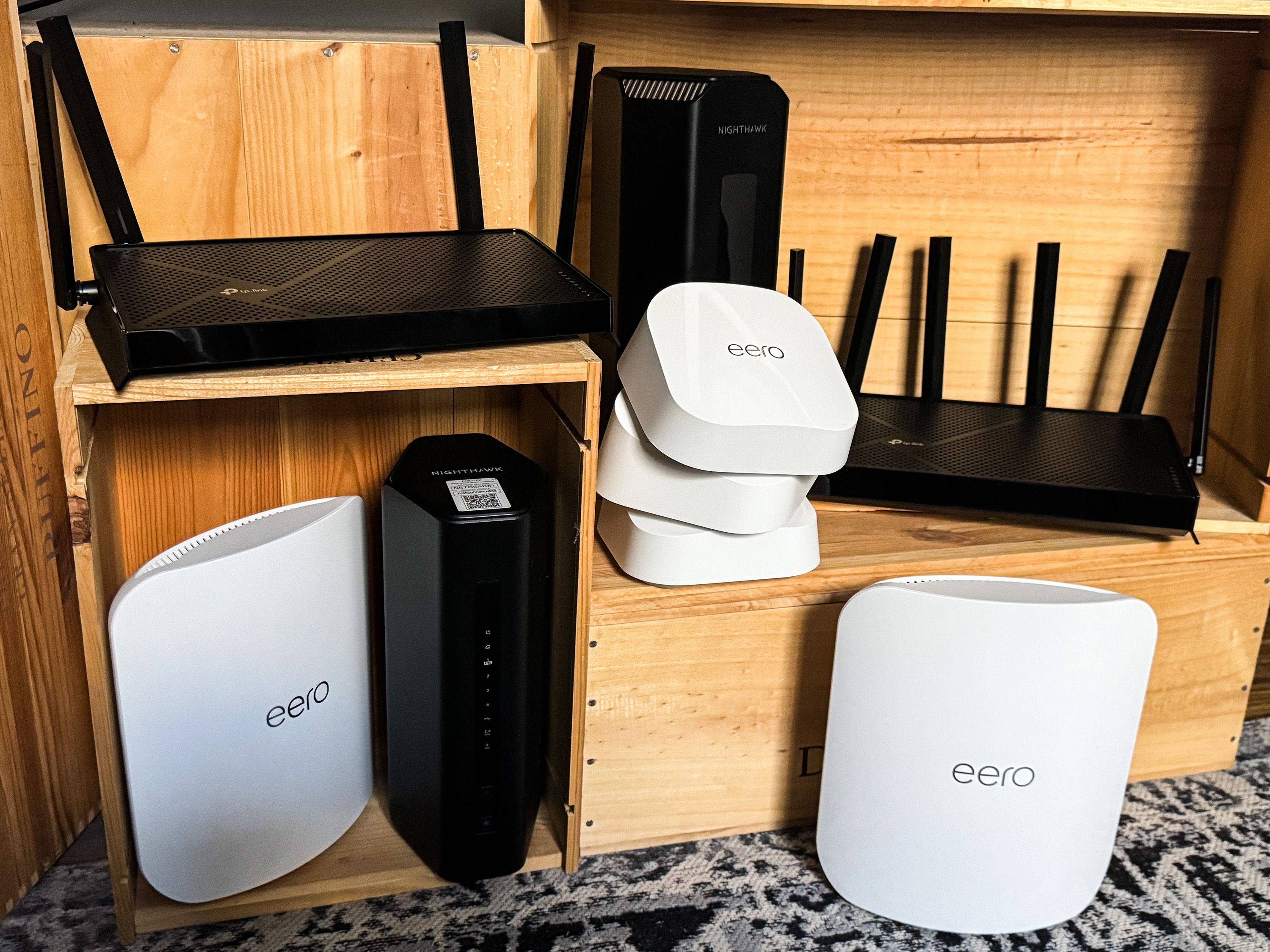
Credit: www.popularmechanics.com
Frequently Asked Questions
How Often Should I Clean My Tri Band Router?
Clean your tri band router every 3 to 6 months to maintain optimal performance. Regular cleaning prevents dust buildup and overheating. This keeps your device running smoothly and extends its lifespan.
What Tools Are Needed To Clean A Tri Band Router?
You will need a soft microfiber cloth, compressed air can, and a small brush. These tools help remove dust from vents and surfaces without damaging the device.
Can I Use Water To Clean My Router?
Avoid using water directly on your router. Use a slightly damp cloth if necessary, but never spray or pour water. Moisture can damage internal components and cause malfunction.
Why Is Cleaning A Tri Band Router Important?
Cleaning removes dust that blocks ventilation and causes overheating. Proper maintenance improves signal strength and device longevity. It also prevents hardware failures and keeps your network stable.
Conclusion
Cleaning your tri band router keeps it running fast and smooth. Dust and dirt can block vents and slow down performance. Regular cleaning helps avoid overheating and connection problems. Just use a soft cloth and gentle tools to remove dust.
Make cleaning a simple habit every few months. This small step improves your internet experience a lot. A clean router means better signal and fewer interruptions. Stay consistent, and your device will serve you well. Easy care leads to a stronger, longer-lasting router.