Are you tired of slow internet and dead zones in your home? Your Wi-Fi should work seamlessly, no matter where you are.
Improving your Wi-Fi coverage can transform how you stream, work, and connect. With the right high-end router, you can boost your signal strength and enjoy faster, more reliable internet everywhere. You’ll discover simple but powerful ways to make your Wi-Fi reach every corner of your space.
Keep reading to unlock the full potential of your internet connection.
Choosing The Right High-end Router
High-end routersoffer better Wi-Fi coverageand faster speeds. Key features include dual-band or tri-band supportto reduce interference. Look for MU-MIMO technologyto allow many devices to connect at once without slowing down. Beamformingfocuses signals toward devices for stronger connections. A powerful processor and ample RAMensure smooth performance under heavy use.
| Model | Band Support | Processor | Price Range | Ideal For |
|---|---|---|---|---|
| Router A | Dual-Band | 1.8 GHz Quad-Core | $$ | Small to Medium Homes |
| Router B | Tri-Band | 2.2 GHz Quad-Core | $$$ | Large Homes with Many Devices |
| Router C | Dual-Band | 1.5 GHz Dual-Core | $ | Budget-Friendly Options |
- Budget modelsoffer basic features and moderate speeds.
- Mid-range routersbalance price and performance well.
- High-end routersprovide the best coverage and speed.
- Consider how many devices will connect to choose wisely.
- Better performance often means higher cost but improved experience.
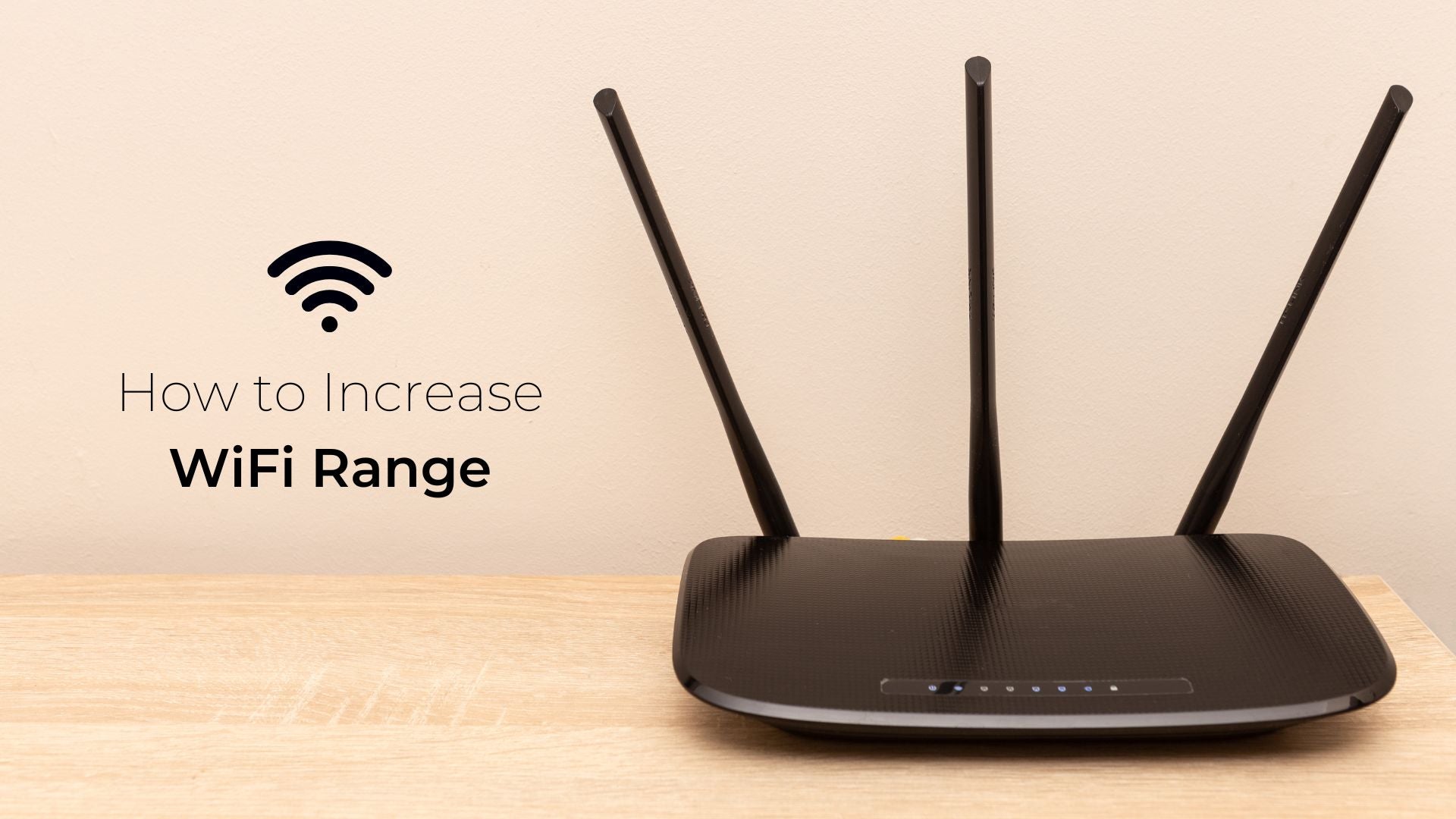
Credit: www.boltontechnical.co.za
Optimal Router Placement
Place your router in a central locationto cover more area. Walls and furniture can block the signal. Keep the router away from thick walls and large metal objects. These items cause signal blockersthat reduce Wi-Fi strength.
Put the router higher up. An elevated positionlets signals travel better. Avoid placing the router on the floor or inside cabinets. This helps Wi-Fi reach all parts of your home.
Keep the router away from devices that cause interference. Microwaves, cordless phones, and baby monitors can disrupt the signal. Turn off or move these devices if Wi-Fi is weak.
Configuring Router Settings
Choosing the right Wi-Fi channelhelps reduce interference. Most routers use channels 1, 6, or 11. Check which channel has fewer devices nearby. This can make your Wi-Fi signal stronger and faster.
Quality of Service (QoS)allows you to give priority to certain apps or devices. For example, you can let video calls or streaming get more bandwidth. This helps keep important tasks smooth, even if many devices use Wi-Fi.
Keep your router’s firmware updated. Updates fix bugs and improve performance. Check the router’s settings page or the maker’s website for the latest firmware. Regular updates keep your Wi-Fi stable and secure.
Using Advanced Technologies
Mesh networking systemsspread Wi-Fi signals using multiple devices. This creates a strong, wide networkin large homes or offices. Devices connect to the nearest node, reducing dead zones. Easy setup and seamless switching improve user experience.
Beamforming benefitsinclude focusing Wi-Fi signals directly to devices. This boosts speed and rangeby reducing interference. It helps devices far from the router get a better signal. The result is faster, more reliable connections.
MU-MIMO technologyallows the router to talk to many devices at once. This stops slowdowns when many devices connect. Everyone gets a faster, smoother internetexperience. Perfect for homes with many gadgets or busy networks.
Extending Coverage With Accessories
Wi-Fi extenders and repeatershelp boost signal in weak spots. They catch your router’s Wi-Fi and send it further. Place them where the signal is still strong. This way, they spread coverage without wires.
Powerline adaptersuse your home’s electrical wiring for internet signals. Plug one adapter near your router. Plug the other where you want better Wi-Fi. This method works well in thick walls or far rooms.
External antennasimprove signal strength and direction. Some high-end routers allow antenna upgrades. Use antennas with higher gain for better reach. Point them toward areas needing stronger Wi-Fi.

Credit: www.expressvpn.com
Monitoring And Troubleshooting Wi-fi
Use a Wi-Fi analyzer app to check signal strengthin different rooms. This helps find weak spots easily. Walk around your home while monitoring signal levels on your phone or laptop.
Dead zonesare areas with no or poor Wi-Fi. Place the router in a central spot. Avoid thick walls or metal objects between the router and devices. Adding a range extender or mesh system can also help cover dead zones.
For connectivity issues, restart your router first. Check for firmware updates to keep it running well. Ensure no devices overload the network by limiting heavy downloads. Changing the Wi-Fi channel may reduce interference from other networks nearby.
- Check router lights for error signals
- Use Ethernet for stable connections if needed
- Keep router firmware updated
- Reboot router to fix temporary issues
- Move router higher for better signal

Credit: www.wepc.com
Frequently Asked Questions
What Are The Benefits Of A High-end Router For Wi-fi?
A high-end router offers faster speeds, wider coverage, and better device handling. It reduces dead zones and supports multiple devices efficiently. This improves streaming, gaming, and overall internet experience at home or office.
How Can A High-end Router Improve Wi-fi Range?
High-end routers use advanced antennas and beamforming technology. These focus signals directly to your devices, extending Wi-Fi range. This ensures strong connections even in larger spaces or through walls.
Does Upgrading To A High-end Router Boost Wi-fi Speed?
Yes, high-end routers support faster Wi-Fi standards like Wi-Fi 6. They handle more data simultaneously and reduce congestion. This results in noticeably higher internet speeds for all connected devices.
Can A High-end Router Reduce Wi-fi Interference?
High-end routers have better signal management and dual or tri-band options. These features minimize interference from other wireless devices. This creates a more stable and reliable Wi-Fi connection.
Conclusion
Improving Wi-Fi coverage is easy with a high-end router. These routers offer better range and speed. They ensure stable internet in every corner. Place your router strategically. Avoid obstacles for optimal performance. Upgrade your router for enhanced connectivity. Consider dual or tri-band options for more devices.
Regularly update firmware for best results. Enjoy seamless browsing, streaming, and gaming. Stay connected without interruptions. A high-end router is a valuable investment for your home network.