Are you tired of losing your WiFi signal just when you step outside? Whether you want to stream music by the pool, work in your garden, or stay connected during outdoor gatherings, a weak WiFi range can quickly ruin the experience.
But don’t worry—you can boost your WiFi coverage outdoors with simple, effective steps. Imagine enjoying strong, reliable internet anywhere in your yard without frustration. Keep reading to discover easy tips that will help you extend your WiFi reach and stay connected wherever you are.

Credit: www.amazon.ca
Common Outdoor Wifi Challenges
Outdoor wifi signals face many challengesthat reduce their strength and reach. Signal obstructionslike trees, walls, and buildings block the wifi waves. These obstacles make the signal weak or lost in some areas.
Interference sourcessuch as other wireless devices, microwaves, and nearby routers also cause problems. They create noise that disturbs the wifi signal, leading to slow or unstable connections.
Distance limitationsare another key issue. Wifi signals get weaker the farther they travel from the router. Outdoor spaces are usually bigger, so the signal may not cover the entire area well.
- Obstacles block signals
- Other devices cause interference
- Signal weakens over long distances
Choosing The Right Equipment
High-gain antennasboost your WiFi signal strength. They send signals farther than regular antennas. Choose antennas with higher dBi ratings for better range. These antennas focus the signal in one direction, which helps outdoors. They are easy to install on your router or access point.
Outdoor access pointsare built to work outside. They resist weather and keep a strong signal. These devices can cover large areas like gardens or patios. Place them high and away from walls to avoid signal loss. They connect to your main router to extend WiFi coverage.
Mesh network systemsuse multiple devices to cover wide spaces. Each device talks to the others to share the internet. This creates a strong, seamless network outdoors. Mesh systems are simple to set up and manage. Ideal for big yards or outdoor parties.
Optimal Router Placement
Place the router in a high spot, like on a shelf or pole. Signals travel better from above ground level. This helps the wifi reach more outdoor areas.
Keep the router near the center of your outdoor space. This lets the signal spread evenly in all directions. Avoid placing it on one side of your yard or garden.
Remove or avoid walls, trees, and large metal objectsbetween the router and outdoor areas. These block or weaken the wifi signal. Open spaces work best for strong coverage.
Using Wifi Extenders And Repeaters
Wifi extendersand repeatershelp boost outdoor wifi signals. They catch the existing wifi and send it further. Extenders create a new network, while repeaters copy the old one.
| Type | How it Works | Best Use |
|---|---|---|
| Wifi Extender | Creates a new network from the main router | Large outdoor areas with weak signal |
| Wifi Repeater | Repeats the existing network signal | Close outdoor spots needing better coverage |
- Place devices halfway between router and outdoor area.
- Avoid obstacles like walls or trees blocking signals.
- Keep extenders away from metal objects and microwaves.
- Higher placement often improves signal reach.
Follow the device guide for setup. Connect to your main wifi first. Then place extenders or repeaters as suggested. Test the signal strength outdoors after setup. Adjust placement if signal is weak.
Adjusting Router Settings
Selecting the right WiFi channelhelps reduce interference. Routers often use default channels crowded by nearby networks. Changing to a less busy channel improves signal strength and range outdoors.
Frequency bandslike 2.4 GHz and 5 GHz offer different benefits. The 2.4 GHz band covers longer distances but may be slower. The 5 GHz band is faster but works better in smaller areas. Choose based on your outdoor space size.
Adjusting the router’s transmit powercan boost signal reach. Increasing power sends a stronger signal but may cause interference. Lower power saves energy but reduces range. Find a balance that fits your outdoor needs.
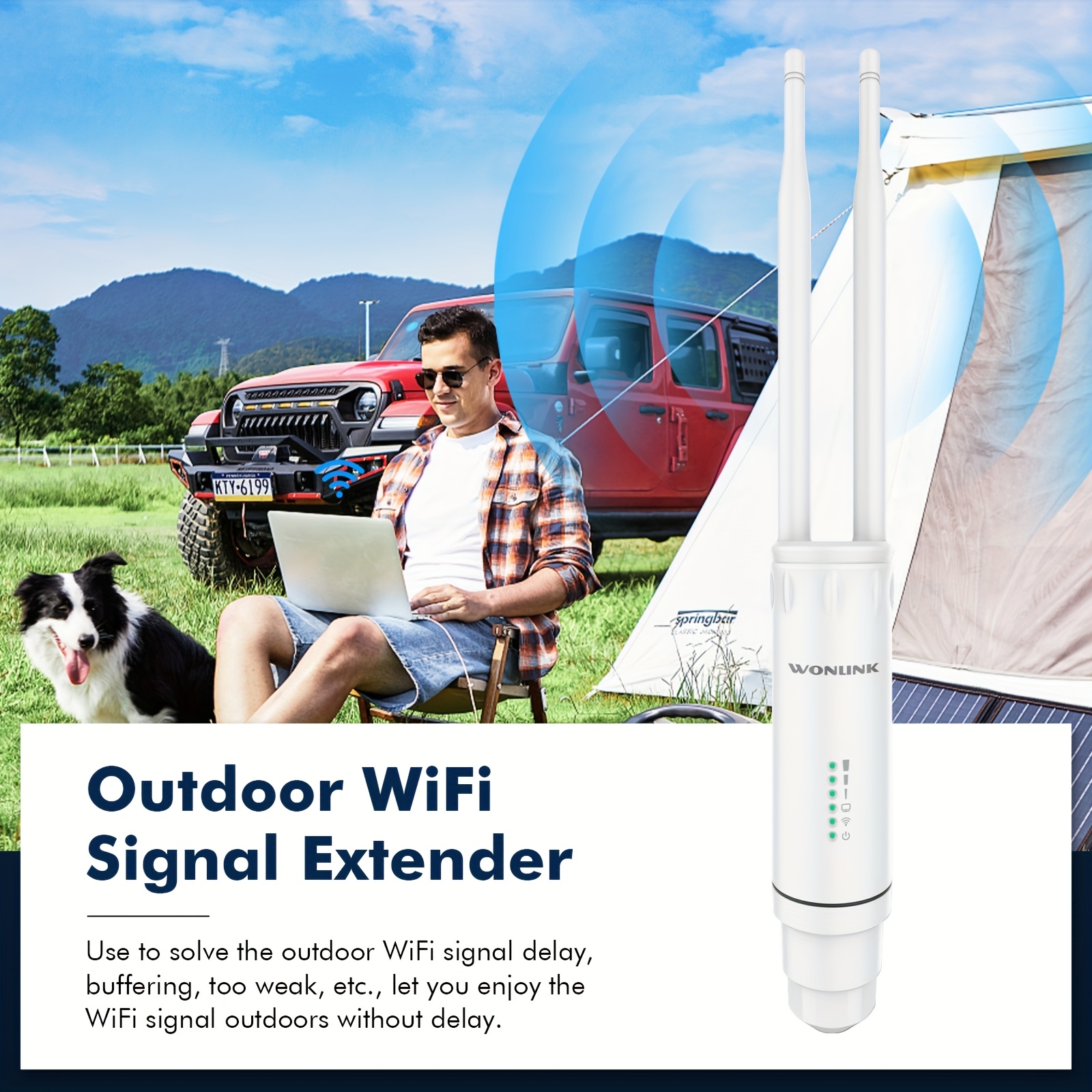
Credit: www.temu.com
Implementing Outdoor Wifi Antennas
Directional antennasfocus the WiFi signal in one direction. This helps to send the signal farther but only in a narrow area. Omnidirectional antennasspread the signal in all directions. They cover a wider area but at shorter distances.
| Type | Signal Direction | Best Use |
|---|---|---|
| Directional | One direction | Long distance, focused coverage |
| Omnidirectional | All directions | Wide area, short to medium range |
- Place antennas high to avoid obstacles like trees and walls.
- Keep antennas away from metal objects and thick walls.
- Point directional antennas toward the area needing better WiFi.
- Use cables of good quality and proper length to reduce signal loss.
Weatherproofingis important for outdoor antennas. Use waterproof covers and seal all cable joints. Choose antennas made for outdoor use with strong, weather-resistant materials. Protecting antennas from rain, snow, and sun helps keep signals strong and equipment safe.
Minimizing Interference
Interferencecan weaken outdoor WiFi signals. Common sources include walls, trees, and other electronics. WiFi analyzershelp find these sources by showing signal strength and noise. They guide you to spots with less interference.
Switching WiFi channels helps avoid crowded frequencies. Many routers use default channels that overlap with neighbors. Testing different channels improves your signal clarity and range.
- Use a WiFi analyzer app to scan your area.
- Identify devices or structures causing interference.
- Change your router’s channel to a less busy one.
- Test signal strength after each change.
Regular Maintenance And Updates
Keep your router’s firmware up to date. Updates fix bugs and improve performance. Check the manufacturer’s website regularly for new versions. Installing updates can boost your WiFi signaland protect against security risks.
Clean your equipment often. Dust and dirt can block vents and reduce signal strength. Use a soft cloth to wipe your router and antennas. Make sure vents are clear for better airflowand cooling.
- Use apps or tools to monitor signal strength.
- Check signal in different outdoor spots.
- Identify weak areas to move or adjust equipment.
- Regular checks help maintain a strong, stable connection.

Credit: www.youtube.com
Frequently Asked Questions
How Can I Extend My Wifi Range Outdoors Effectively?
Use a high-gain outdoor antenna or WiFi extender. Position devices higher and avoid physical obstructions. Secure your network to prevent interference. These steps boost your outdoor WiFi signal strength and coverage efficiently.
What Is The Best Wifi Frequency For Outdoor Use?
The 2. 4 GHz frequency is best for outdoor WiFi. It offers longer range and better obstacle penetration than 5 GHz. However, 5 GHz provides faster speeds for short distances. Choose based on your outdoor coverage needs.
Can Weather Affect My Outdoor Wifi Signal?
Yes, weather conditions like rain, fog, and wind can weaken WiFi signals. Moisture absorbs signal waves, reducing range and speed. Use weatherproof hardware and proper installation to minimize weather impact on outdoor WiFi.
Should I Use A Wifi Extender Or Mesh System Outdoors?
A WiFi extender boosts an existing signal but may reduce speed. Mesh systems create seamless coverage with multiple nodes. For large outdoor areas, mesh systems offer better reliability and range than extenders.
Conclusion
Improving your outdoor WiFi range takes simple steps. Place your router in a high, open spot. Use WiFi extenders or mesh systems to cover larger areas. Remove obstacles like walls and metal objects that block signals. Check your router’s settings and update its firmware often.
Small changes make a big difference in signal strength. Enjoy faster and more reliable internet outside your home. Stay connected wherever you go in your yard or garden. Try these tips and feel the improvement today.