Have you noticed your internet slowing down or devices suddenly losing connection? It might be your budget router acting up.
Knowing if your router is bad isn’t always easy, but it’s crucial to avoid frustration and wasted time. You’ll discover simple signs that reveal when your router is failing. By the end, you’ll know exactly what to look for and how to fix the problem before it gets worse.
Keep reading to protect your internet and stay connected without hassle.

Credit: www.reddit.com
Common Router Issues
Budget routers often face common issues that impact your internet experience. These problems can signal that your router might be failing or not performing well. Understanding these issues helps in identifying when a budget router is bad. Watch out for these signs to keep your connection smooth and stable.
Slow Internet Speeds
Slow internet speeds can be frustrating and limit your online activities. Budget routers often struggle with handling multiple devices at once. This overload causes slow downloads, buffering videos, and lag in games. Sometimes, outdated hardware or poor signal strength leads to slower speeds. Check if your router’s speed matches your internet plan. Slow speeds despite a good plan might mean the router is underperforming.
Frequent Disconnections
Frequent disconnections disrupt work and entertainment. Budget routers may lose connection often due to weak signals or hardware faults. This issue can appear as random drops or devices losing Wi-Fi. Interference from other electronics or thick walls can worsen disconnections. Persistent disconnects suggest the router may not handle network demands well. Restarting helps temporarily but does not fix the root cause.
Overheating Problems
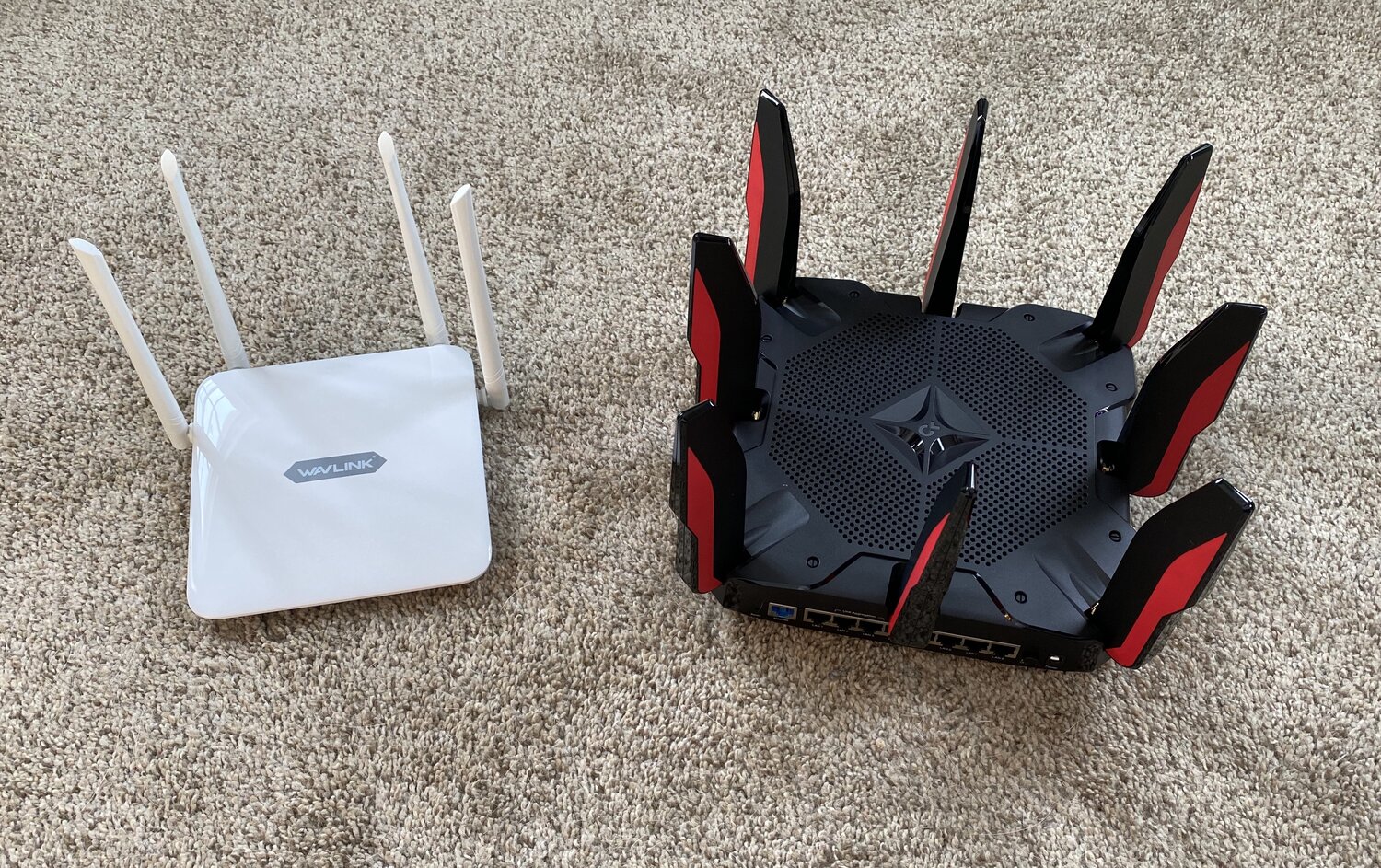
Overheating is common in budget routers with poor ventilation. Excess heat can damage internal parts and reduce performance. You might notice the router feels hot to touch or restarts by itself. Dust buildup and placement in tight spaces increase heat issues. Overheating leads to slower speeds and unstable connections. Keep your router in a cool, open area to avoid heat damage.
Credit: evanmccann.net
Physical Damage Signs
Physical damage is often the most obvious indicator that your budget router might be failing. It’s easy to overlook small signs, but these can lead to bigger problems down the line. Paying attention to the physical condition of your router can save you hours of troubleshooting and frustration.
Damaged Ports And Cables
Check your router’s ports carefully. Bent, loose, or broken ports can prevent proper connections and cause intermittent internet issues.
Cables that are frayed or have exposed wires are a red flag too. Have you ever noticed your internet cutting out right after moving a cable? That’s often a sign of damaged wiring.
Replacing faulty cables or avoiding rough handling of ports can keep your router running smoothly.
Unusual Lights And Indicators
Your router’s lights tell a story about its health. If you see blinking patterns that don’t match the usual behavior, it’s worth investigating.
For example, a constantly flashing red light or no lights at all could mean hardware failure. Have you ever stared at those blinking lights and wondered what they mean? Checking your router’s manual can help decode these signals.
Don’t ignore these signs—they often point to deeper issues that need attention.
Burnt Smell Or Visible Scorch Marks
A burnt smell coming from your router is a serious warning sign. It usually means overheating or electrical damage inside the device.
Spotting scorch marks or discoloration on the router’s casing confirms this problem. If you notice this, unplug the device immediately to avoid further damage or fire risk.
Have you ever experienced this? It’s not just about losing internet; it’s about safety first.
Performance Troubleshooting
Performance issues often hint at a bad budget router. Troubleshooting helps find the cause and decide the next step. Simple checks can reveal if the router needs fixing or replacing.
Resetting The Router
Resetting clears temporary glitches that slow down the router. Press the reset button for 10 seconds. Wait for the router to restart fully. This restores default settings and can improve speed.
Checking Firmware Updates
Firmware controls how the router works. Outdated firmware may cause bugs or poor performance. Visit the router’s settings page and look for updates. Installing the latest firmware keeps the router stable and secure.
Testing With Different Devices
Try connecting multiple devices to the router. Check if all devices have slow speeds or connection drops. If problems happen on all devices, the router is likely the issue. If only one device struggles, that device may need attention.
When To Replace Your Router
Slow internet and frequent disconnections often signal a budget router’s decline. Frequent overheating or outdated technology also suggest it’s time for a replacement. Check for poor coverage or inability to handle multiple devices smoothly.
Knowing when to replace your router can save you a lot of frustration and keep your internet experience smooth and secure. Routers, like any other piece of technology, have a lifespan. If you’re experiencing ongoing issues or have an older model, it might be time to consider an upgrade.Persistent Connection Issues
If your internet frequently drops out or slows down to a crawl, your router might be the culprit. An unreliable connection can disrupt your day, whether you’re working from home or streaming your favorite shows. Try rebooting your router to see if it resolves the issue temporarily. However, if the problem persists despite troubleshooting, it might be a sign that your router is nearing the end of its life.Outdated Technology
Technology evolves rapidly, and routers are no exception. Using an older router might mean you’re missing out on faster speeds and improved performance offered by newer models. Check if your router supports the latest Wi-Fi standards like Wi-Fi 6. If not, upgrading can significantly enhance your internet experience and accommodate more devices.Security Vulnerabilities
Security is a top priority in today’s digital age. Older routers may lack essential security updates, leaving your network vulnerable to threats. Manufacturers stop supporting older models, which means no more firmware updates. Without these updates, your personal data could be at risk. Ensuring your router has the latest security features can provide peace of mind and protect your information. Replacing your router might seem like a hassle, but the benefits are worth it. Improved speed, better security, and a stable connection can transform your online activities. Is your current router holding you back? Consider these factors and decide if it’s time for an upgrade.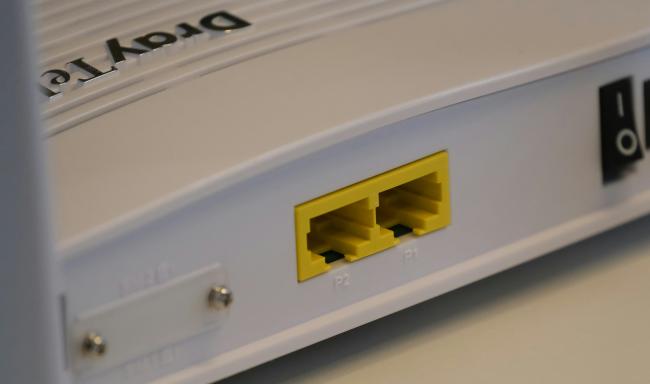
Credit: reolink.com
Frequently Asked Questions
What Are Common Signs Of A Bad Budget Router?
Common signs include slow internet speeds, frequent disconnections, overheating, and inability to connect multiple devices. These indicate hardware or firmware issues.
How To Test If My Budget Router Is Failing?
Run speed tests, check connection stability, and reset the router. Persistent problems after resets usually mean the router is failing.
Can Firmware Updates Fix A Bad Budget Router?
Firmware updates can improve performance and security. However, if the router hardware is damaged, updates alone won’t fix it.
When Should I Replace My Budget Router?
Replace it if you experience constant drops, slow speeds, or outdated technology. Upgrading improves network reliability and speed.
Conclusion
A bad budget router can slow down your internet and cause frustration. Watch for slow speeds, frequent disconnections, or weak signals. These signs show your router might not work well. Fixing the problem early saves time and money. Choose a reliable router that fits your needs.
Good internet helps with work, school, and fun. Stay aware and keep your network strong and stable.