Are you tired of dealing with dead zones in your home where Wi-Fi just won’t reach? A tri-band Wi-Fi extender might be your perfect solution.
But did you know it can do more than just extend your network? You can actually use it as an access point to boost your internet connection even further. Imagine having a seamless, strong Wi-Fi signal in every corner of your home.
Sounds like a dream, right? In this guide, you’ll discover how to transform your tri-band Wi-Fi extender into a powerful access point. By the end of this article, you’ll be equipped with the know-how to enhance your internet experience and say goodbye to those pesky Wi-Fi blind spots. Keep reading to unlock the full potential of your home network!
Tri Band Wifi Extender Basics
A Tri Band Wifi Extenderhas three separate frequency bands. This helps reduce network traffic and interference. Two bands are usually for devices to connect, and one band is for communication between the extender and the router.
This setup gives you faster speedsand a more stable connectionthan dual band extenders. It allows many devices to work smoothly without slowing down.
| Feature | Tri Band | Dual Band |
|---|---|---|
| Number of Bands | 3 | 2 |
| Speed | Higher, better for many devices | Lower, slower with many devices |
| Interference | Less interference | More interference |
| Connection Stability | More stable | Less stable |
Access Point Vs Extender
Access pointscreate a new WiFi network using a wired connection. They connect to your router with an Ethernet cable. This gives better speed and stability. Extendersrepeat your existing WiFi signal to reach far areas. They connect wirelessly to the router, which may lower speed.
The main difference is how they connectand their speed. Access points are best for large homes or offices with Ethernet cables. Extenders are good for small spaces where cables can’t reach.
- Access points suit places with wired internet access.
- Extenders help boost WiFi in weak signal areas.
- Use access points for better speed and less delay.
- Choose extenders for simple setup without cables.
Preparing Your Extender
Check if your tri band wifi extender supports access point mode. This info is in the user manual or on the manufacturer’s website. Not all extenders have this feature. Make sure your main router is compatible with the extender for better connection.
Gather the needed equipment before starting setup. This includes:
- Tri band wifi extender
- Ethernet cable
- Power source near your router
- Device to access extender settings (phone, tablet, or computer)
Having these ready helps make the process smooth and quick.

Credit: www.reddit.com
Setup Steps For Access Point Mode
Connect the tri-band WiFi extender to your router using an Ethernet cable. This wired link ensures a stable and fast connection. Plug one end of the cable into the router’s LAN port and the other into the extender’s Ethernet port.
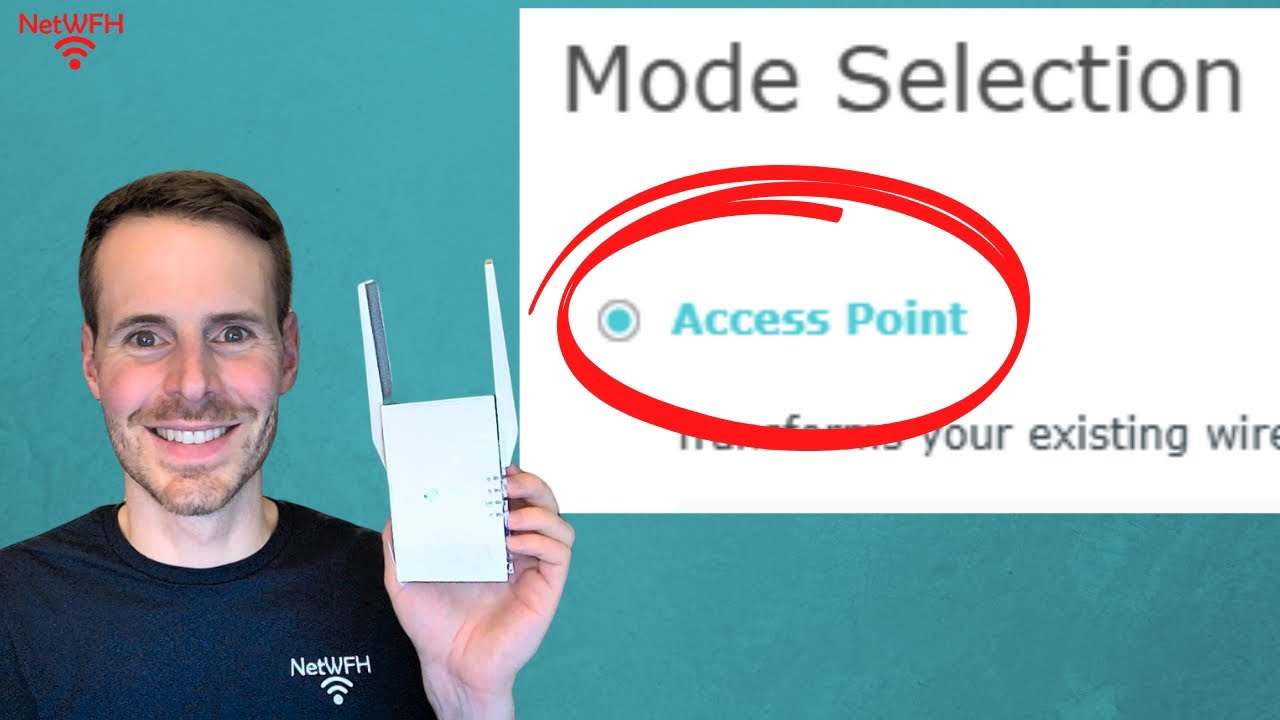
Open a web browser and type the extender’s IP address to access its web interface. Use the default login credentials found in the manual. Navigate to the settings menu to switch the device to Access Point mode.
Set a new network name (SSID) and password for the access point. This helps keep your network secure and easy to find. Save the changes and restart the extender if needed. Your Access Point is now ready to use.
Optimizing Performance
Place the tri-band WiFi extender where the signal is strong. Avoid walls or large objects blocking it. A central spot helps cover more area. Keep it near devices that need faster internet.
Adjust channel settings to reduce interference. Choose channels with less traffic from other networks. This helps keep the connection stable and fast. Use your extender’s app or interface to find the best channels.
Manage bandwidth by setting limits for each device or band. Prioritize important devices to get more speed. This prevents slowdowns when many devices connect at once. Balancing bandwidth keeps all users happy.
Troubleshooting Common Issues
Connection failures can happen if the extender is too far from the main router. Place the extender closer to the router for a stronger signal. Check if the WiFi password is entered correctly on the extender. Restart both the router and extender to refresh connections.
Slow speeds often occur when many devices use the network at once. Try disconnecting some devices or limit heavy downloads. Make sure the extender’s firmware is up to date for better performance. Choose a less crowded WiFi channel to reduce interference.
| Issue | Cause | Fix |
|---|---|---|
| IP Conflicts | Two devices have the same IP address | Set the extender to use a different IP or enable DHCP |
| Connection Failures | Weak signal or wrong password | Move extender closer; re-enter password |
| Slow Speeds | Too many devices or interference | Limit devices; update firmware; change channel |
Advanced Tips
Firmware updateskeep your tri-band WiFi extender working well. They fix bugs and add new features. Check the manufacturer’s site often. Always download updates from trusted sources to avoid risks. Updating is simple and helps your device stay fast and secure.
Security enhancementsprotect your network from threats. Change default passwords to strong ones. Use WPA3 encryption if your extender supports it. Turn off WPS to prevent easy hacking. Regularly review security settings to keep your network safe.
Integrating with mesh networkscan improve your WiFi coverage. Some tri-band extenders work well with mesh systems. Use the same network name (SSID) for smooth roaming. Place the extender where the signal is strong. This setup helps devices switch connections without drops.

Credit: www.youtube.com
Credit: www.youtube.com
Frequently Asked Questions
What Is A Tri Band Wifi Extender?
A tri band WiFi extender uses three frequency bands to boost network coverage. It reduces congestion and improves speed. This device is ideal for large homes or offices with many devices.
How To Set Up A Tri Band Extender As Access Point?
Connect the extender to your router via Ethernet cable. Then, configure the extender’s settings using its web interface. Select Access Point mode for seamless network extension and better performance.
Can A Tri Band Extender Improve Wifi Speed?
Yes, a tri band extender can enhance WiFi speed. It dedicates one band for backhaul, reducing interference. This allows faster data transfer and stable connections across your network.
Is Access Point Mode Better Than Extender Mode?
Access Point mode provides a wired connection to the router, offering more stable speeds. Extender mode uses wireless backhaul, which can reduce bandwidth. For best performance, use Access Point mode when possible.
Conclusion
Using a tri-band WiFi extender as an access point improves your home network. It helps spread your WiFi signal evenly in different rooms. Setup is simple and boosts your internet speed. This method avoids dead zones and keeps your devices connected.
A strong WiFi means less buffering and faster browsing. Try this to enjoy smooth online experiences everywhere in your home. Keep your network stable and easy to manage with this setup.