Are you struggling with slow Wi-Fi in your large home? You might be wondering if a dual band router is enough to keep your whole house connected smoothly.
Choosing the right router can feel confusing, especially when your devices are spread across multiple rooms and floors. What if the router you pick can make your streaming, gaming, and browsing faster and more reliable? Keep reading to discover whether a dual band router meets your needs or if you should consider other options to enjoy seamless internet throughout your home.
Dual Band Router Basics
A dual band router uses two frequency bands to connect devices to the internet. This design helps reduce interference and improve network speed. Understanding the basics of dual band routers helps decide if they suit large homes.
How Dual Band Works
Dual band routers broadcast signals on two frequencies at once. One band operates on 2.4 GHz and the other on 5 GHz. Devices can connect to either band depending on their needs. This split allows more devices to use the network without slowing down.
The 2.4 GHz band covers longer distances but offers slower speeds. The 5 GHz band delivers faster speeds but with a shorter range. The router automatically manages connections for better performance.
Frequency Bands Explained
- 2.4 GHz Band:Better at penetrating walls and obstacles.
- 5 GHz Band:Supports higher speeds and less interference.
Devices farther from the router often use 2.4 GHz. Those closer benefit from the faster 5 GHz band. Both bands work together to keep your network stable.
Benefits Over Single Band
- Less interference from other wireless devices.
- More stable connections for multiple devices.
- Improved speed options depending on device location.
Single band routers only use 2.4 GHz, which can be crowded. Dual band routers reduce congestion and boost overall network quality. This is especially useful in busy homes with many devices.
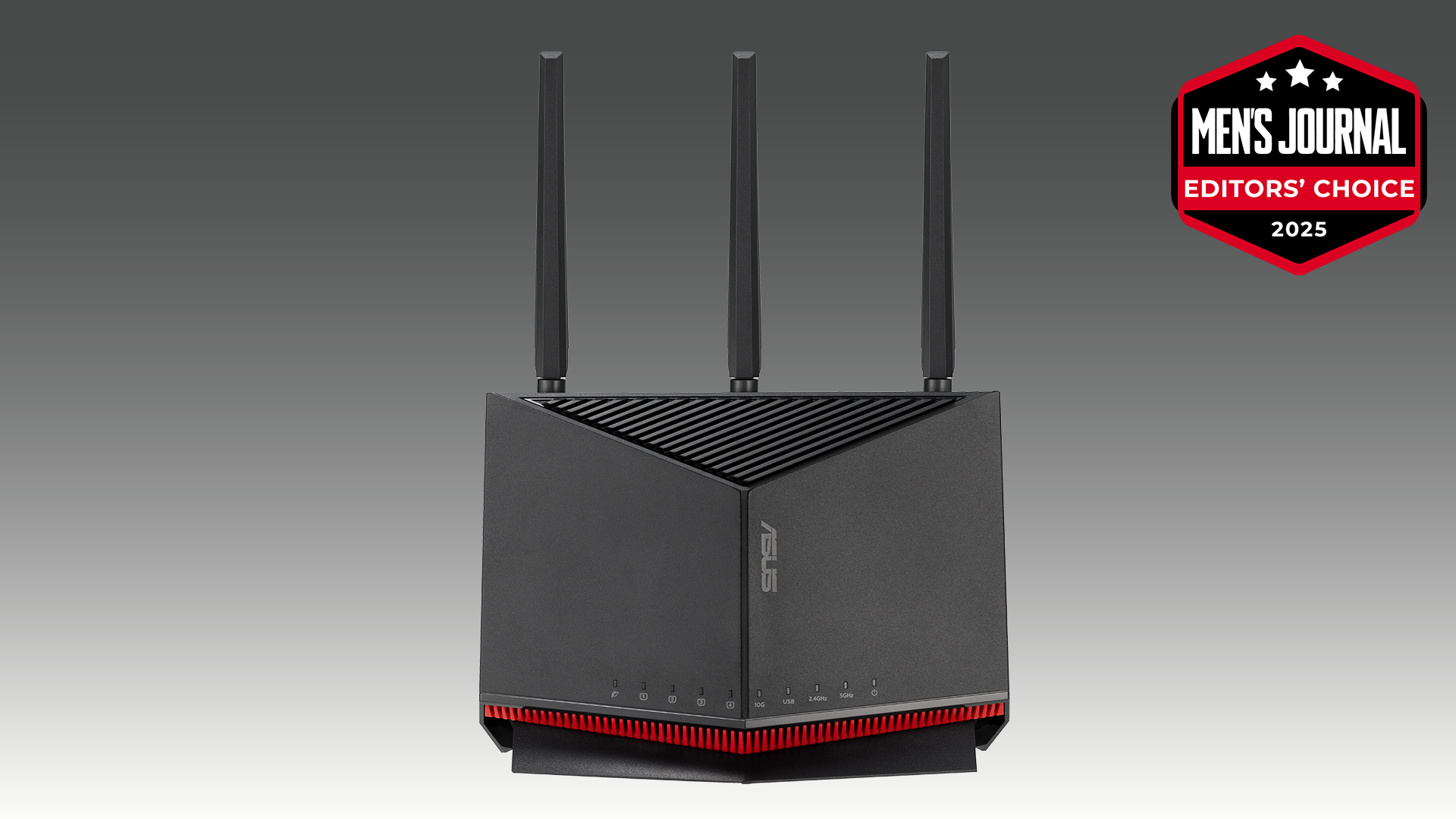
Credit: www.mensjournal.com
Challenges In Large Homes
Large homes bring unique challenges to your Wi-Fi setup. A dual band router might seem like a solid choice, but the size and layout of your house can stretch its limits. Understanding these challenges helps you decide if a dual band router will truly meet your needs or if you’ll need extra equipment.
Signal Range Limitations
Dual band routers generally cover moderate areas well, but large homes often have rooms far from the router’s location. The 2.4 GHz band offers better range but slower speeds, while the 5 GHz band provides faster speeds but struggles with distance. You might find dead zones in basements or far corners where the signal fades or drops entirely.
Have you noticed your Wi-Fi slowing down when you move to another floor or room? That’s the signal range showing its limits in a large space.
Obstacles And Interference
Walls, floors, and furniture all block or weaken Wi-Fi signals. Thick walls or metal objects create bigger hurdles for dual band routers, especially on the 5 GHz band. Household appliances like microwaves and cordless phones can also cause interference, disrupting your connection.
Think about your home’s layout. Are there multiple walls or heavy materials between your router and your devices? These obstacles can reduce your Wi-Fi’s effectiveness, making streaming or video calls frustrating.
Multiple Device Connectivity
Large homes often have many devices connected at once—smartphones, laptops, smart TVs, and more. Dual band routers split devices between two frequencies, but as device numbers grow, the network can become congested. This leads to slower speeds and dropped connections, especially when multiple users stream or game simultaneously.
How many devices are actively using your network right now? If your router struggles to keep up, you might need more robust solutions like mesh systems or additional access points to handle the demand efficiently.
Performance Of Dual Band Routers
Understanding the performance of dual band routers is key to deciding if they meet the needs of a large home. These routers operate on two frequency bands, aiming to balance speed and device management. Let’s break down how they actually perform in real-life scenarios.
Speed And Coverage
Dual band routers offer two separate bands: 2.4 GHz and 5 GHz. The 2.4 GHz band covers a wider area but delivers slower speeds, while the 5 GHz band provides faster speeds but with limited range.
If your home has thick walls or multiple floors, the 2.4 GHz band helps maintain a steady connection in far corners. However, for activities like streaming or gaming near the router, the 5 GHz band shines with its higher data rates.
Handling Multiple Devices
Large homes usually have many devices connected simultaneously. Dual band routers split traffic between the two bands, reducing congestion and improving performance.
But as more devices join, especially smart home gadgets and streaming devices, the router’s ability to manage them can hit limits. You might notice slower speeds or dropped connections during peak usage times.
Real-world User Experience
Many users find dual band routers satisfactory for medium to large homes with moderate device use. However, if your household is packed with devices or you need seamless coverage everywhere, you could face dead zones or bottlenecks.
One user shared that switching to a mesh system significantly improved coverage in their three-story house. Would a dual band router alone be enough for your home’s layout and device load? Consider testing your current setup before upgrading.
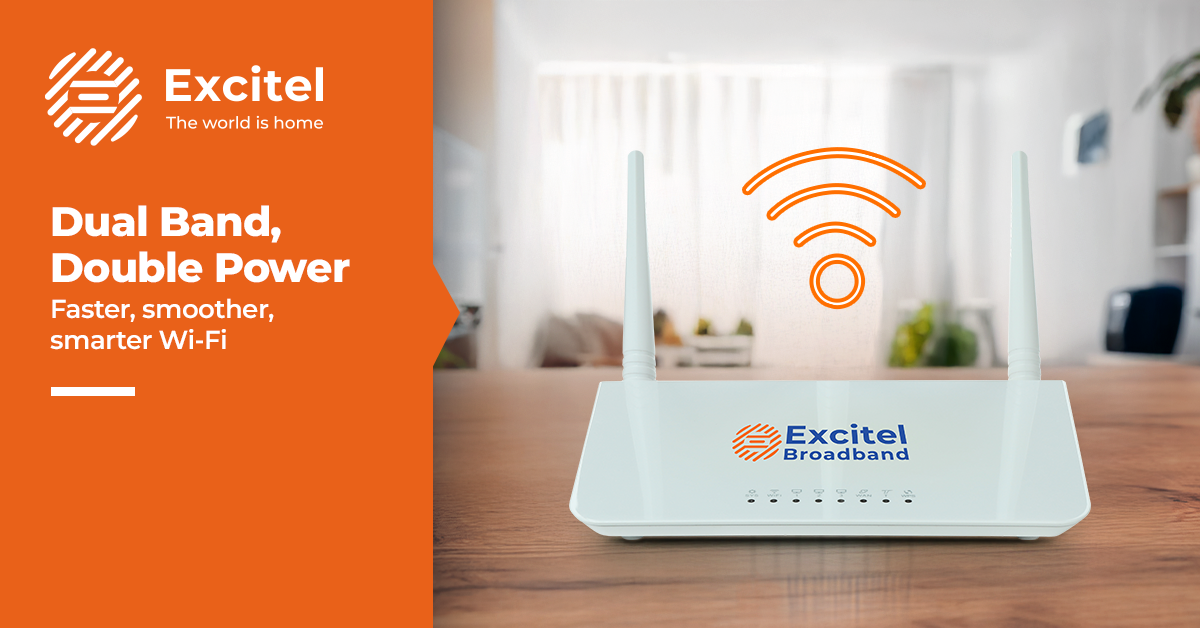
Credit: www.excitel.com
Alternatives To Dual Band Routers
Large homes may need more than just a dual band router for strong Wi-Fi coverage. Mesh networks and tri-band routers offer better range and speed across multiple rooms. These options help reduce dead zones and keep connections stable throughout the house.
When managing Wi-Fi needs in a large home, dual-band routers might fall short. Space, walls, and devices can hinder performance. Exploring alternatives ensures robust coverage. Let’s dive into some options.Tri-band Routers
Tri-band routers offer a third frequency band. This reduces congestion and enhances speed. With three bands, devices distribute better. Large families benefit from fewer slowdowns. Tri-band routers often handle more devices. A solid choice for tech-heavy homes.Mesh Wi-fi Systems
Mesh Wi-Fi systems cover extensive areas. They use multiple nodes or satellites. These nodes work together seamlessly. Each node spreads the signal further. Ideal for homes with dead zones. Mesh systems adapt to your layout. They ensure strong, consistent Wi-Fi everywhere.Wi-fi Extenders And Boosters
Wi-Fi extenders amplify existing signals. They extend coverage to hard-to-reach spots. Boosters work similarly, enhancing signal strength. Both options are budget-friendly. They suit homes with minor coverage issues. Easy to install and configure. Boosters and extenders are quick fixes for weak signals.Choosing The Right Router
Choosing the right router for your home can make a huge difference in your internet experience. It’s not just about picking the latest model or the one with the highest specs. You need to consider your home’s unique needs and how you use your devices every day.
Assessing Home Size And Layout
Think about the size of your home and its layout. A large, multi-story house with thick walls may block Wi-Fi signals more than a smaller, open-plan apartment. Dual band routers work well in medium spaces, but in bigger homes, you might face dead zones or slow speeds in certain rooms.
Have you noticed spots in your home where Wi-Fi drops or feels weak? That’s a clear sign you need a router that covers more ground or supports mesh systems for seamless connectivity.
Device Usage And Requirements
Count how many devices connect to your network daily and what they do online. Streaming 4K videos, online gaming, or video calls need faster and more stable connections than browsing or checking emails. Dual band routers can handle several devices, but if your household streams, games, and works online simultaneously, you might hit performance limits.
Ask yourself: Are my devices mostly in one area, or spread throughout the house? This affects the kind of router and features you should pick.
Budget Considerations
Your budget plays a big role in deciding which router fits your needs. Dual band routers are usually affordable and offer decent performance for many homes. But sometimes spending a bit more on a tri-band or mesh router system pays off with better coverage and faster speeds.
Think about the long-term benefits versus the upfront cost. Would investing in a better router now save you frustration and extra expenses later?
Optimizing Dual Band Router Setup
Optimizing your dual band router setup is key to making sure your large home gets the best Wi-Fi coverage and speed possible. Even the best router can underperform if not set up correctly. Paying attention to placement, channel choices, and keeping your router updated can transform your home network experience.
Optimal Router Placement
Where you place your router affects how far and well your Wi-Fi signals travel. Try to position your router in a central spot, away from thick walls and electronic devices that cause interference. High shelves or open spaces often work better than hidden corners or behind furniture.
Think about your home’s layout. If you have multiple floors, placing the router on the middle floor can help spread the signal evenly. You might also consider using Wi-Fi extenders if some areas still feel like dead zones.
Channel Selection Tips
Dual band routers operate on both 2.4 GHz and 5 GHz frequencies, which can get crowded depending on your neighbors’ networks. You can improve performance by manually selecting less busy channels. Tools like Wi-Fi analyzers show which channels nearby networks use most.
For 2.4 GHz, channels 1, 6, and 11 are usually best since they don’t overlap. For 5 GHz, there are many more channels, so pick one with the least interference. Have you checked your router’s settings to see if it’s stuck on a crowded channel? Changing it might boost your speed instantly.
Firmware Updates And Security
Regularly updating your router’s firmware keeps it running smoothly and protects your network from security threats. Firmware updates often fix bugs and add new features that can improve performance. Ignoring updates can leave your network vulnerable and slow.
Check your router’s admin panel for update notifications or visit the manufacturer’s website. Setting automatic updates, if available, saves you the hassle. Do you know when you last updated your router? A quick check might reveal overdue updates.

Credit: www.reddit.com
Frequently Asked Questions
Is A Dual Band Router Suitable For Large Homes?
A dual band router can work for large homes, but performance depends on layout. It offers 2. 4GHz and 5GHz bands, balancing speed and range. For very large homes, consider mesh systems or additional access points for better coverage.
How Does Dual Band Improve Wi-fi Speed?
Dual band routers transmit on two frequencies, reducing congestion. The 5GHz band offers faster speeds but shorter range, while 2. 4GHz covers longer distances. This dual operation improves overall Wi-Fi speed and stability in busy households.
Can A Dual Band Router Handle Multiple Devices?
Yes, dual band routers support multiple devices by dividing traffic between bands. This reduces interference and maintains connection quality. However, the number of devices and their usage impact performance. High device counts might require advanced routers or mesh networks.
Is Dual Band Enough For Streaming And Gaming?
Dual band routers generally support streaming and gaming well, especially on the 5GHz band. They provide stable, low-latency connections for these activities. For very high demands, consider routers with advanced features like QoS or tri-band capabilities.
Conclusion
Dual band routers work well in many homes. They offer good speed and less interference. But large homes may need extra help. Walls and distance can weaken signals. Sometimes, a mesh system or range extender helps. Think about your home’s size and device count.
Choose what fits your needs and budget best. Stay connected without constant drops or slowdowns. Simple choices can bring better Wi-Fi every day.