Are you looking to boost your home Wi-Fi speed and reliability? Understanding what 802.11ac means in dual band routers can be the key to unlocking faster internet and smoother streaming.
This technology is designed to make your connection stronger and more efficient. By the end of this article, you’ll know exactly how 802. 11ac works and why it matters for your network. Let’s dive in and see how this can transform your online experience.
802.11ac Basics
Understanding the basics of 802.11ac is key to grasping its role in dual band routers. This wireless standard improves Wi-Fi speed and performance. It operates primarily on the 5 GHz band, offering faster data transfer and less interference. Devices using 802.11ac deliver smoother streaming, quicker downloads, and better overall connectivity. It is widely used in modern routers, making it essential for home and office networks.
Evolution From Previous Standards
802.11ac builds on earlier Wi-Fi standards like 802.11n. It shifts focus to higher speeds and efficiency. The switch to the 5 GHz band reduces signal interference. It supports wider channels, up to 160 MHz, allowing more data at once. This standard also introduces improvements in antenna technology for better range. These changes result in faster and more reliable wireless connections compared to past versions.
Key Features Of 802.11ac
- Supports maximum speeds up to 1.3 Gbps or higher
- Uses wider channel bandwidths for increased data flow
- Employs Multiple Input Multiple Output (MIMO) technology
- Allows simultaneous data streams for multiple devices
- Operates mainly on the 5 GHz frequency band
- Improves beamforming for stronger, focused signals
- Enhances network capacity and reduces congestion
Dual Band Routers Explained
Dual band routers are essential devices that help manage your home or office Wi-Fi more efficiently. They operate on two separate frequency bands, allowing you to connect multiple devices without slowing down your network. Understanding how these bands work can help you choose the right router and optimize your internet experience.
Differences Between 2.4 Ghz And 5 Ghz Bands
The 2.4 GHz band covers a wider area and can penetrate walls better, making it ideal for larger spaces or devices farther from the router. However, it is more crowded since many household gadgets like microwaves and cordless phones use this frequency.
The 5 GHz band offers faster speeds and less interference but has a shorter range. It works best for activities that require high bandwidth, such as online gaming or streaming HD videos. Have you noticed your video calls drop when you move to another room? That’s often the 5 GHz band struggling with distance.
Benefits Of Dual Band Technology
Dual band routers allow you to connect devices to either the 2.4 GHz or 5 GHz band based on their needs. This flexibility reduces congestion and improves overall network performance.
- You can stream movies on the 5 GHz band while your smart home devices operate on 2.4 GHz without interference.
- It helps avoid slowdowns during peak usage times by balancing the traffic load.
- Dual band technology enhances security by separating critical devices onto different frequencies.
Think about your current network setup—are all your devices competing for the same bandwidth? Using a dual band router with 802.11Ac technology can make your internet faster and more reliable by smartly managing these connections.
Speed Advantages Of 802.11ac
The speed advantages of 802.11ac make it a popular choice for dual band routers. This standard offers faster wireless connections and better performance. It helps devices transfer data quickly and smoothly. Users can enjoy high-quality streaming, gaming, and downloads without lag.
Maximum Data Rates
802.11ac supports much higher data rates than previous Wi-Fi standards. It can reach speeds up to 1.3 Gbps on a single stream. With multiple streams, speeds can go even higher. This allows faster file transfers and better internet browsing.
Improved Channel Widths
802.11ac uses wider channels compared to older standards. It supports 80 MHz and even 160 MHz channels. Wider channels carry more data at once. This means faster speeds and less congestion on the network.
Beamforming Technology
Beamforming helps direct the Wi-Fi signal to devices more efficiently. It focuses the signal where it is needed most. This improves range and speed for connected devices. Users get a stronger, more reliable connection throughout their home.
Compatibility And Device Support
Dual-band routers with 802. 11ac support both 2. 4 GHz and 5 GHz bands, improving device compatibility. Most modern smartphones, laptops, and tablets work well with this technology. It helps devices connect faster and with less interference.
Dual-band routers with 802.11ac offer a significant leap in wireless technology, providing faster speeds and improved performance. But how does this affect compatibility and device support? Whether you’re upgrading your home network or adding new gadgets, understanding these aspects can make your transition smoother and more efficient. Let’s delve into how 802.11ac plays with older devices and what popular gadgets already support this technology.Backward Compatibility With Older Devices
One of the standout features of 802.11ac is its backward compatibility. This means your older devices that operate on previous standards like 802.11n or 802.11g can still connect to a dual-band router. This compatibility ensures that you don’t have to replace all your gadgets at once. Your trusty old laptop or smartphone can still function seamlessly while you gradually upgrade to devices that fully utilize 802.11ac’s capabilities. However, keep in mind that while older devices can connect, they won’t benefit from the faster speeds that 802.11ac offers. It’s similar to driving a sports car on a road full of speed bumps—you can drive, but you won’t reach full speed.Popular Devices Supporting 802.11ac
Many popular devices today are equipped with 802.11ac support, allowing you to experience faster internet speeds and more reliable connections. Smartphones like the iPhone 6 and later models, as well as many Android devices, are built to handle this standard. Laptops from brands like Apple, Dell, and HP often come with built-in 802.11ac support, making them ideal for streaming, gaming, and multitasking without lag. Even smart TVs and gaming consoles such as the PlayStation 4 and Xbox One are designed to take advantage of 802.11ac’s benefits. By checking your device’s specifications, you can easily determine if it supports 802.11ac. This knowledge helps you make informed decisions when purchasing new gadgets, ensuring they align with your network’s capabilities. Are you ready to experience seamless connectivity and blazing speeds? Upgrading to 802.11ac-compatible devices could be the key to unlocking the full potential of your home network.Setting Up 802.11ac Dual Band Routers
Setting up an 802.11ac dual band router correctly can make a big difference in your internet experience. This router type uses two frequency bands—2.4 GHz and 5 GHz—to deliver faster speeds and better coverage. Knowing how to position your router and configure its bands can help you get the most from your home or office network.
Optimizing Router Placement
Where you place your router affects signal strength and speed more than you might think. Try to position it in a central location, away from thick walls and metal objects that can block signals.
Avoid placing the router near cordless phones, microwaves, or other devices that emit wireless signals. Higher placement, like on a shelf or mounted on a wall, often improves coverage over placing it on the floor.
Have you noticed how your Wi-Fi speed drops in certain rooms? Moving your router just a few feet can fix this issue without spending extra money on boosters.
Configuring Bands For Best Performance
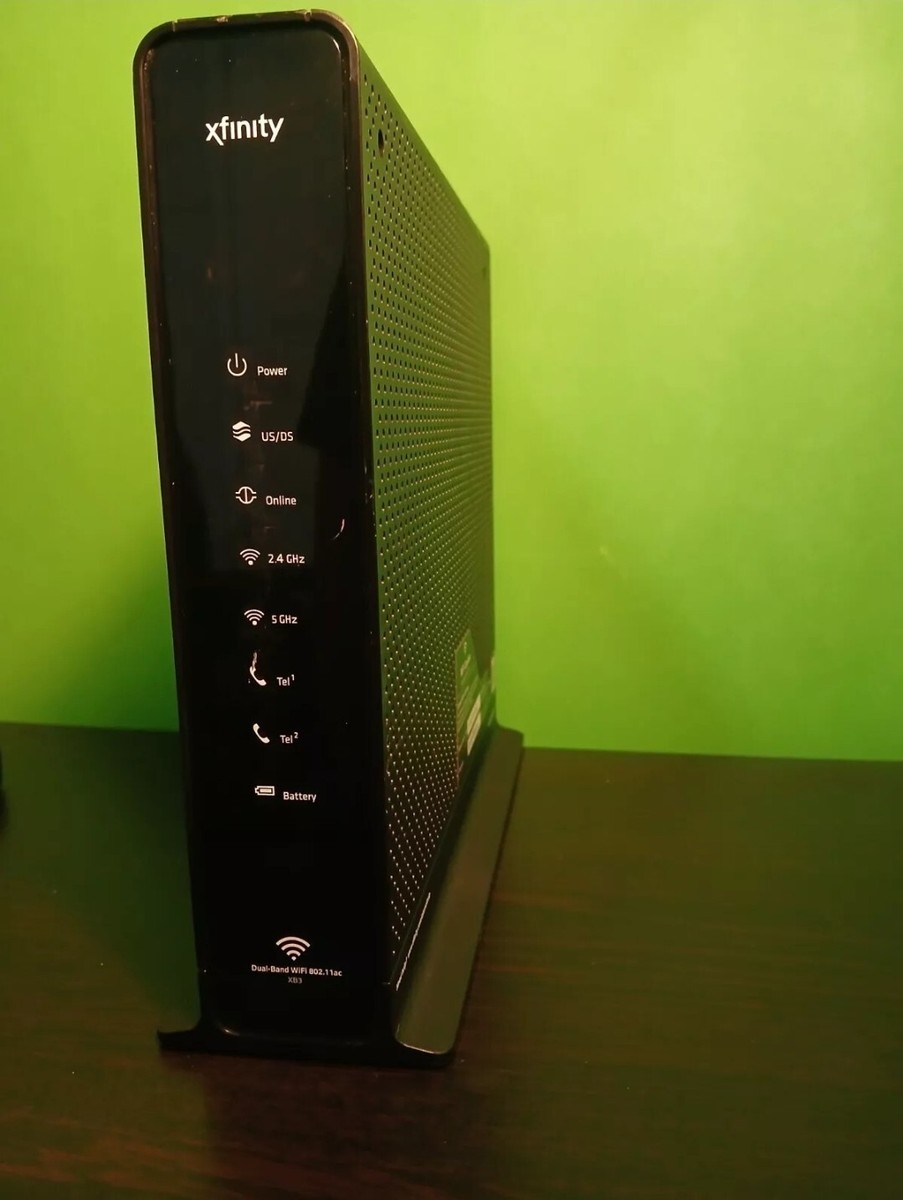
Dual band routers let you use the 2.4 GHz and 5 GHz bands separately or simultaneously. The 2.4 GHz band covers more area but is slower and often crowded with other devices.
The 5 GHz band offers faster speeds and less interference but covers a smaller area. Assign devices that need faster connections, like streaming boxes or gaming consoles, to the 5 GHz band.
Many routers allow you to name each band differently. This helps you connect your devices to the right network easily. Have you checked your router’s settings to make sure your devices are on the best band for their needs?
Credit: www.ebay.com
Common Issues And Troubleshooting
Dual band routers with 802.11ac technology offer fast and reliable wireless connections. Still, users face some common issues that affect performance. Knowing how to spot and fix these problems helps keep your network stable and strong.
Interference And Signal Loss
Wireless signals can weaken due to interference from other devices. Common sources include microwaves, cordless phones, and nearby Wi-Fi networks. Walls, floors, and furniture also reduce signal strength.
To improve signal quality:
- Place the router in a central, open area.
- Avoid placing it near metal objects or electronic devices.
- Switch between 2.4 GHz and 5 GHz bands to find less crowded channels.
- Use Wi-Fi analyzer apps to detect interference sources.
Firmware Updates And Security
Router firmware controls device functions and security. Outdated firmware can cause bugs and expose your network to risks. Regular updates fix known issues and add new features.
Check your router settings for update options. Enable automatic updates if available. Use strong passwords and WPA3 or WPA2 encryption to secure your network. Avoid default login credentials to prevent unauthorized access.
Future Of Wi-fi Speeds
Wi-Fi speeds continue to evolve rapidly. The future holds faster connections and better performance. These improvements will support more devices and higher demands. Understanding upcoming changes helps prepare for smarter home and work networks.
Upcoming Standards Beyond 802.11ac
New Wi-Fi standards aim to surpass 802.11ac speeds. Wi-Fi 6 (802.11ax) is already making waves. It improves efficiency and offers faster data rates. Soon, Wi-Fi 7 will push limits even further. These standards focus on reducing delays and boosting capacity.
- Wi-Fi 6 supports more devices at once.
- Wi-Fi 7 aims for ultra-high speeds and low latency.
- Both standards improve performance in crowded areas.
Impact On Home And Business Networks
Faster Wi-Fi changes how homes and offices connect. Streaming, gaming, and video calls become smoother. Smart devices work better without interruptions. Businesses can handle more data with less lag. Network reliability improves, helping remote work and cloud use.
- Homes get better coverage and faster speeds.
- Businesses enjoy efficient, high-capacity networks.
- New Wi-Fi supports growing smart device ecosystems.

Credit: www.pcmag.com
Credit: www.newegg.com
Frequently Asked Questions
What Is 802.11ac In Dual Band Routers?
802. 11ac is a Wi-Fi standard that operates on 5 GHz band. It offers faster speeds and better performance than older standards. Dual band routers support both 2. 4 GHz and 5 GHz, enhancing connectivity and reducing interference.
How Does 802.11ac Improve Wi-fi Speed?
802. 11ac uses wider channels and multiple antennas for faster data transfer. It supports higher modulation rates and beamforming technology. This results in improved speed and better range compared to previous Wi-Fi standards.
Is 802.11ac Compatible With Older Devices?
Yes, 802. 11ac routers are backward compatible with older Wi-Fi standards. They support devices using 802. 11a/b/g/n protocols. However, older devices won’t benefit from the higher speeds 802. 11ac offers.
Why Choose Dual Band Routers With 802.11ac?
Dual band routers with 802. 11ac offer flexibility by using both frequency bands. They reduce network congestion and interference. This setup improves overall Wi-Fi performance for multiple devices in busy environments.
Conclusion
802. 11ac improves Wi-Fi speed and reliability in dual band routers. It works on both 2. 4 GHz and 5 GHz bands for better coverage. This standard supports faster connections and handles more devices smoothly. Choosing a router with 802.
11ac helps reduce slow internet and lag. It fits well in homes and offices with multiple users. Understanding this technology makes picking the right router easier. Enjoy stable and quick Wi-Fi for streaming, browsing, and gaming. Simple but powerful.