Are you tired of buffering videos and sluggish internet speeds? If you’re on the hunt for a solution to supercharge your home Wi-Fi, you’ve likely stumbled upon terms like “Dual Band” and “Tri Band” Wi-Fi extenders.
But what do these terms really mean, and how do they affect your internet experience? Understanding the difference between dual band and tri band Wi-Fi extenders can be the key to transforming your digital life. Imagine streaming your favorite shows seamlessly, downloading files in seconds, and enjoying smooth online gaming.
With the right extender, this could be your reality. We’ll break down the core differences, helping you make an informed choice tailored to your needs. Dive in to discover which option is perfect for you and wave goodbye to Wi-Fi woes!
Dual Band Wifi Extenders
Dual Band Wifi Extenders use two frequency bands:2.4 GHz and 5 GHz. The 2.4 GHz band covers a wider area but has slower speeds. The 5 GHz band offers faster speeds but covers less distance.
These extenders improve performance and speedby using one band to connect to your router and the other to connect to your devices. This helps reduce interference and keeps your connection stable.
Ideal for medium-sized homesor apartments where you need better coverage and faster internet for tasks like streaming or video calls. They work well if you have many devices but don’t need the highest speeds everywhere.
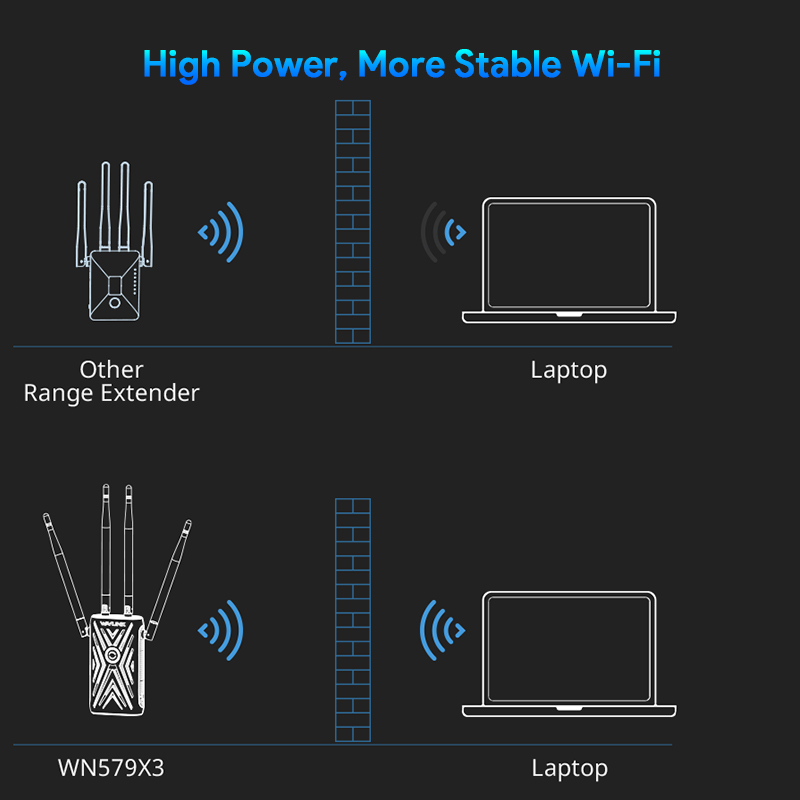
Credit: www.wavlink.com
Tri Band Wifi Extenders
Tri Band Wifi Extendersuse three separate frequency bands to boost your wireless signal. This means they offer one 2.4 GHz band and two 5 GHz bands. The extra band helps reduce traffic and interference on your network.
Additional Frequency Benefits
Having an extra 5 GHz bandallows the extender to handle more devices at once. It keeps your network faster and more stable. This is useful in busy homes or offices with many gadgets.
Enhanced Speed And Capacity
Tri band extenders can provide higher speedsthan dual band models. They separate device data to avoid slowdowns. This means smoother streaming, faster downloads, and better gaming experiences.
Best Use Cases
- Large homes with many connected devices
- Streaming 4K videos or online gaming
- Busy offices with heavy internet use
- Areas with many WiFi signals causing interference
Comparing Dual Band And Tri Band
Dual Band WiFi extenders use two frequency bands to improve coverage, while Tri Band extenders add a third band for better speed and less interference. Tri Band devices handle more devices at once, making them ideal for busy networks.
Speed Differences
Dual bandextenders have two frequency bands, usually 2.4 GHz and 5 GHz. They can handle good speeds for most homes. Tri bandextenders add an extra 5 GHz band. This helps keep speed high even with many devices.
Coverage Range
Dual band extenders cover a decent area, enough for small to medium homes. Tri band extenders offer a wider range. They work better in larger homes or spaces with many walls.
Device Handling Capacity
Dual band handles fewer devices at once. Tri band extenders support more devices without slowing down. This is good for busy homes with many users.
Price And Value
| Feature | Dual Band | Tri Band |
|---|---|---|
| Cost | Lower price, budget-friendly | Higher price, more expensive |
| Best For | Small homes, fewer devices | Large homes, many devices |
| Speed | Good for basic use | Faster for heavy use |
Credit: www.engadget.com
Choosing The Right Extender
Understanding your network needshelps in choosing the right extender. Dual band extenders use two frequency bands, while tri band extenders use three. Dual band suits small homes with fewer devices. Tri band works well for bigger homes and many devices. Consider how many devices connect to WiFi at once.
Budget plays a key role. Dual band extenders usually cost less. Tri band extenders are pricier but offer better performance. Decide how much you want to spend before buying.
Future-proofing means buying a device that lasts. Tri band extenders can handle more devices in the future. Dual band may need replacement sooner if your network grows.
Installation And Setup Tips
Placethe extender halfway between your router and the area with weak signal. Avoid walls and metal objects that block signals. Keep the extender at a height for better coverage.
Choose a spot with a strong WiFi signalfrom your main router. This helps the extender work well. For tri-band extenders, use the extra band to connect to devices with high data needs.
- CheckLED lights on the extender to confirm connection status.
- Restartthe extender if the connection is slow or lost.
- Update extender firmware to fix bugs and improve speed.
- Use the app or web interface to adjust settings.
Credit: www.engadget.com
Frequently Asked Questions
What Is A Dual Band Wifi Extender?
A dual band WiFi extender uses two frequency bands, 2. 4 GHz and 5 GHz. It boosts WiFi signals to improve coverage and speed.
How Does A Tri Band Wifi Extender Differ?
A tri band extender adds an extra 5 GHz band. This reduces congestion, improving overall network performance and speed.
Which Is Better: Dual Band Or Tri Band Extenders?
Tri band extenders offer faster speeds and less interference. Dual band extenders are more affordable and sufficient for smaller homes.
Can Dual Band Extenders Handle Multiple Devices?
Yes, dual band extenders support multiple devices but may slow down with heavy traffic compared to tri band.
Conclusion
Choosing between dual band and tri band wifi extenders depends on your needs. Dual band extenders work well for basic internet use. Tri band extenders offer better speed and handle more devices. Think about your home size and how many gadgets connect.
Tri band suits large homes with many users. Dual band fits smaller spaces with fewer devices. Both improve your wifi signal. Pick what matches your budget and internet habits. Clear wifi means less frustration and smoother online time. Simple choices lead to better internet for everyone.