Are you confused about the difference between a modem and a router when setting up your Xfinity internet? You’re not alone.
Many people use these words interchangeably, but knowing how each device works can make a big difference in your internet experience. Understanding this can help you get faster speeds, better coverage, and avoid unnecessary costs. Keep reading to discover the key differences and find out which device you really need for your Xfinity service.
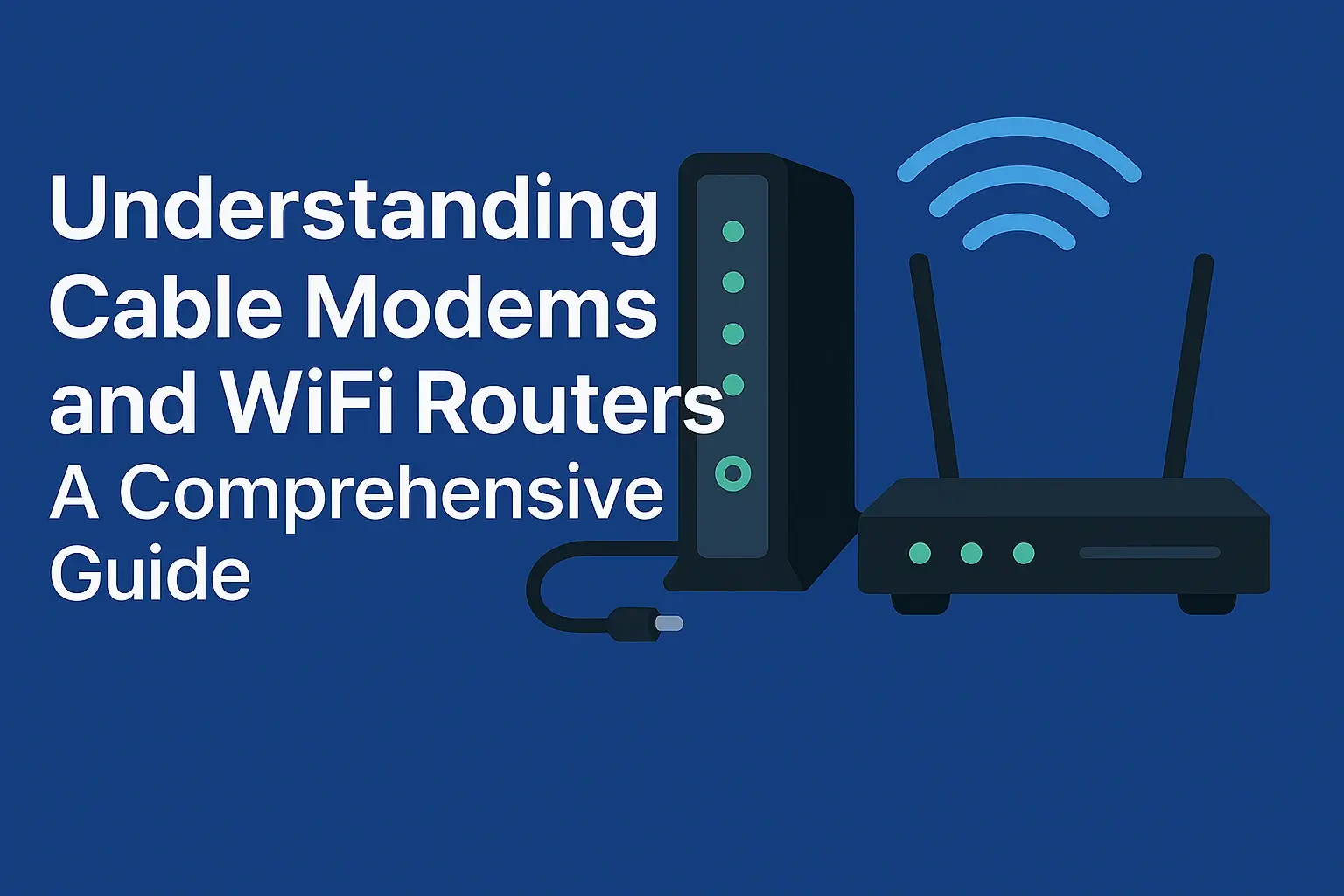
Credit: www.ctvforme.com
Modem Basics
A modemconnects your home to the internet through your service provider. It changes the digital signal from your internet provider into a signal your devices can understand. Without a modem, internet access is not possible.
Different types of modems work with different internet services. Some common types are:
- Cable modems– use coaxial cables for internet.
- DSL modems– use telephone lines.
- Fiber optic modems– use fiber cables for faster speeds.
For Xfinity, you need a modem that supports their service type. Xfinity mostly uses cable modems. The modem must have compatibility with Xfinity’s networkto work correctly. Check the list of approved modems on Xfinity’s website before buying.
Router Essentials
The routerconnects multiple devices in a home to the internet. It creates a local network and shares the internet signal. The router helps devices like phones, laptops, and smart TVs talk to each other.
Different types of routersfit different needs:
- Wireless routersuse Wi-Fi to connect devices without cables.
- Wired routersconnect devices with Ethernet cables for stable speed.
- Dual-band routersoffer two Wi-Fi frequencies to reduce interference.
Xfinity usersmay want routers with features like:
- Easy setup with Xfinity modem compatibility.
- Strong Wi-Fi range to cover the whole house.
- Parental controls to limit kids’ internet use.
- Guest network access for visitors.
Modem Vs Router
A modemconnects your home to the internet through your Internet Service Provider (ISP). It changes signals from your ISP into data your devices can use. A routershares this internet connection to many devices inside your home, like phones, laptops, and tablets. The modem handles the internet signal, while the router handles local device connections.
The modem sends internet to the router. The router then creates a Wi-Fi networkor wired connection for your devices. Both devices must be connected for internet access on multiple devices. The modem talks to the ISP. The router manages your home network.
- Modem and router are the same device – false.
- Router connects directly to the internet – false, it needs a modem.
- Modem provides Wi-Fi – false, only routers do.
- Some devices combine modem and router in one unit.

Credit: www.reddit.com
Xfinity Equipment Options
Xfinity offers several equipment choices to connect your home to the internet.
Xfinity Modemsconnect your home to the internet service provider. They translate signals between your home and the internet. Modems only provide internet access; they do not create Wi-Fi networks.
Xfinity Routerscreate a Wi-Fi network inside your home. They allow multiple devices to connect wirelessly. Routers manage traffic between your devices and the modem.
Combo Devicescombine a modem and router in one unit. They save space and reduce the number of devices needed. These devices handle both internet access and Wi-Fi distribution.
Choosing The Right Device
Choosing the right device depends on your internet needs and space. A modemconnects your home to the internet. A routershares that internet with your devices. Some people prefer using separate devices for better control and performance. Others like combo units for simplicity.
Factors To Consider
- Internet speed and plan type
- Number of devices to connect
- Space and setup convenience
- Cost of equipment
- Future upgrade options
Benefits Of Separate Devices
- Better performance and signal strength
- Easier to replace or upgrade parts
- More control over network settings
- Less chance of all-in-one failure
When To Use A Combo Unit
- Limited space or simple setup needed
- Lower cost for basic internet use
- No need for advanced features
- Easy to install and manage
Setup And Installation Tips
A modem connects your home to the internet, while a router shares that connection with multiple devices. For Xfinity, both devices are needed for a complete setup. Proper installation ensures fast and stable internet throughout your home.
Connecting Your Modem
Connect the modem to the wall outlet. Use a coaxial cablefor this. The power cord goes into the modem. Plug it into a power source. Wait for the lights to stop blinking. This means it’s ready. Use an Ethernet cableto connect the modem to your computer. This helps in setting up the internet connection.
Configuring Your Router
Turn on the router by plugging it in. Connect it to the modem using an Ethernet cable. Access the router settings through a web browser. Enter the IP addressprovided by your router. Follow the on-screen instructions to finish the setup. Make sure to set a strong passwordfor security.
Troubleshooting Common Issues
- Check all cables. They must be properly connected.
- Restart your modem and router. This often fixes issues.
- Ensure the power lights are on. This shows they are working.
- Contact your service provider if issues persist.
Performance And Security
Modems connect your home to the internet, while routers share that connection with multiple devices. Routers add security by creating a private network and managing data traffic efficiently. Understanding their roles helps improve both performance and safety for your Xfinity service.
Speed And Reliability
Modems and routers both affect internet speed. A modem connects to the internet. A router shares the connection with devices. Modems handle data from the internet. Routers manage local network traffic. Xfinity provides fast modems. Their routers ensure strong connections. Both are important for a smooth experience.
Network Security Features
Routers often have built-in security features. They include firewalls and passwords. Modems usually focus on the connection. Routers protect devices from threats. Xfinity routers offer strong security. They help keep your network safe.
Firmware Updates And Maintenance
Both modems and routers need updates. Updates improve performance and security. Xfinity provides regular updates. Modems need fewer updates than routers. Keeping firmware current is important. It ensures devices run smoothly. Regular maintenance helps prevent issues.
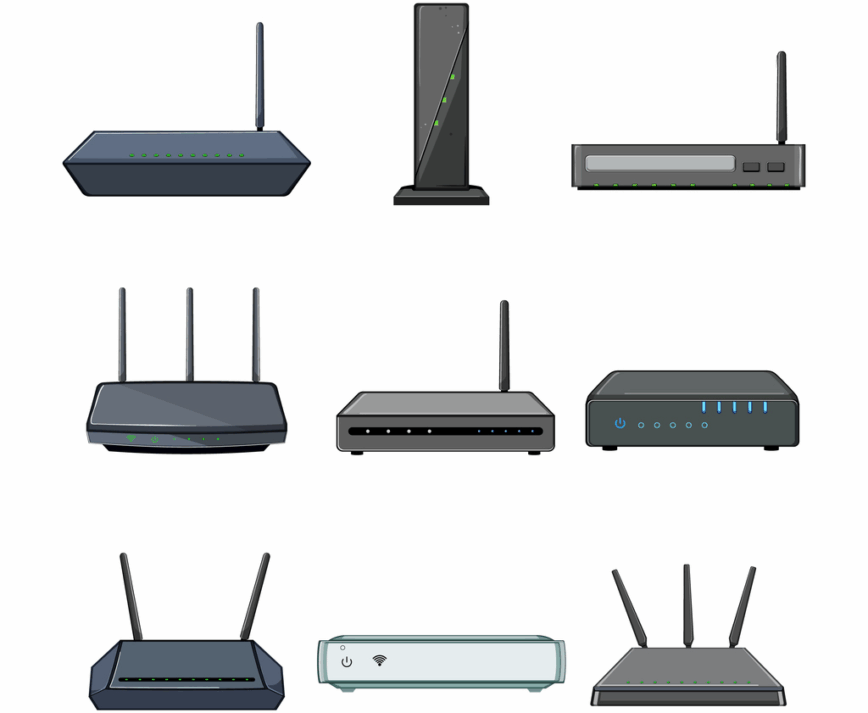
Credit: linuxblog.io
Frequently Asked Questions
What Is A Modem In Xfinity Internet Service?
A modem connects your home to Xfinity’s internet network. It translates the digital signals from your ISP. Without a modem, you cannot access the internet. Xfinity often provides a modem compatible with their service for optimal performance.
How Does A Router Differ From A Modem?
A router distributes internet from the modem to multiple devices. It creates a Wi-Fi network in your home. Unlike a modem, it does not connect directly to the ISP. The router manages device connections and internet traffic within your network.
Can I Use Xfinity Modem Without A Router?
Yes, but you will get internet only on one device. Without a router, you lose Wi-Fi and multiple device connectivity. For wireless access and better network management, a router is necessary alongside your Xfinity modem.
Should I Rent Or Buy An Xfinity Modem/router?
Renting ensures compatibility and technical support from Xfinity. Buying can save money long-term but requires careful selection. Choose a modem/router certified for Xfinity to avoid connectivity issues and improve internet speed.
Conclusion
Understanding the difference between a modem and a router helps with your Xfinity setup. A modem connects to the internet, while a router shares it with your devices. Both work together to give you internet access at home. Choosing the right device keeps your connection fast and stable.
Now you know how each part plays a role. This knowledge makes it easier to fix issues or upgrade your network. Stay connected and enjoy smooth internet with Xfinity. Simple, clear, and useful.