Are you tired of weak Wi-Fi signals that drop every time you move between floors in your home? Choosing the right router can make all the difference in keeping your connection strong and fast on every level.
But with so many options out there, how do you know which one works best for multiple floors? You’ll discover practical tips and expert advice to help you find the perfect router that covers every corner of your home. Keep reading, and say goodbye to dead zones for good!
Credit: www.popularmechanics.com
Challenges Of Multi-floor Wi-fi
Wi-Fi signals can be weak across multiple floors. Walls, floors, and ceilingsblock the signal. Metal, concrete, and brick cause the most trouble. These materials absorb or reflect Wi-Fi waves, reducing coverage.
Other electronics may cause signal interference. Devices like microwaves and cordless phones use similar frequencies. This causes slower speedsand dropped connections.
- Thick walls limit signal strength.
- Floors made of concrete block Wi-Fi.
- Windows and doors can weaken signals.
- Interference from other electronics causes problems.
- Wi-Fi signals often don’t reach every corner.
Key Features For Multi-floor Routers
Range and signal strengthare crucial for multi-floor routers. A strong signal can reach every corner of your home, even upstairs. Walls and floors can block signals, so a powerful router is needed.
Mesh networking systemsuse multiple units placed around your home. They work together to create one big Wi-Fi network. This helps cover all floors without losing signal.
Dual-band routersoffer two frequency bands: 2.4 GHz and 5 GHz. They give good speed and range for most homes. Tri-band routersadd one more 5 GHz band. This helps reduce traffic and improve speed in busy homes.
Top Router Types For Multiple Floors
Mesh Wi-Fi systemsuse multiple devices called nodes to cover large homes. They create one big network, so your device stays connected as you move around. These systems work well for multiple floors because nodes talk to each other. Setup is easy, and the signal stays strong.
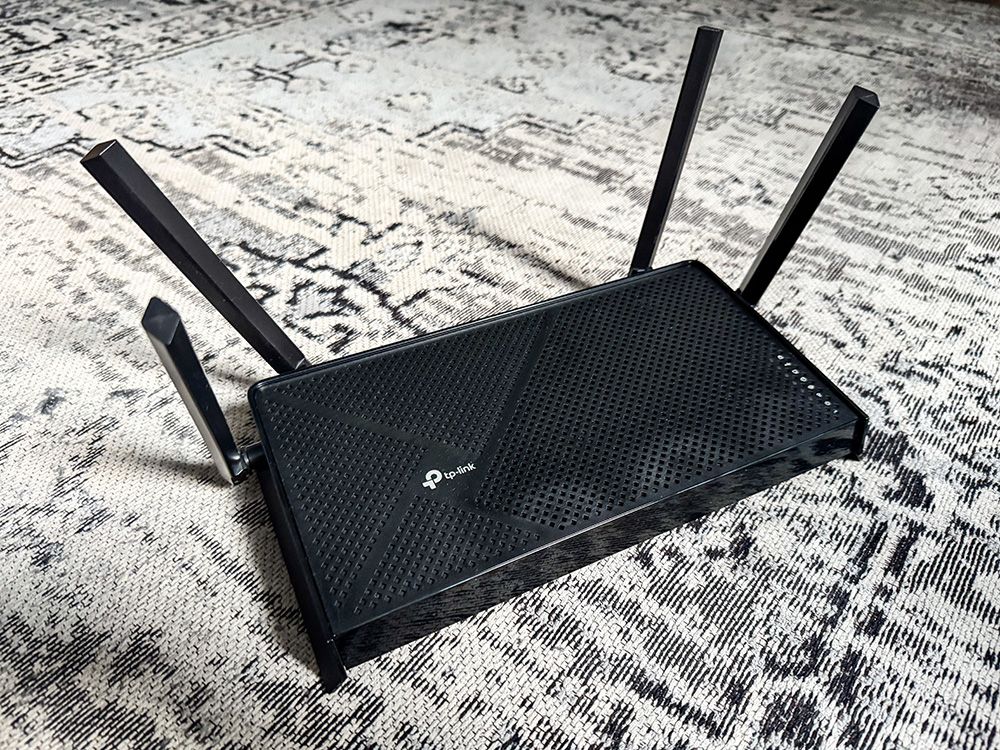
High-powered single routershave strong antennas and good range. They can cover multiple floors if placed in the center of your home. But walls and floors may weaken the signal. These routers are simpler but may not work well in large houses.
Range extenders and access pointsboost Wi-Fi signals from your main router. Extenders repeat the signal to far areas, while access points create new Wi-Fi zones. Both help cover dead spots on different floors. They are affordable but might slow down speed.

Credit: www.popularmechanics.com
Router Placement Tips For Best Coverage
Place your router near the center of your home for better signal spread. This helps cover multiple floors evenly. Avoid placing the router close to thick walls or metal objects. These act as signal blockersand reduce Wi-Fi strength.
Use multiple units like mesh systems or range extenders to cover large homes. Position these units on different floors and in open spaces. This setup helps create a strong, continuous networkacross floors without dead zones.
- Keep routers away from microwaves and cordless phones.
- Place devices higher, like on shelves, not on the floor.
- Use mesh routers for seamless coverage.
- Check for signal overlap to avoid interference.
Recommended Routers For Multi-level Homes
Mesh systemsare perfect for multi-floor homes. They use several devices to cover all areas with strong Wi-Fi. Each unit talks to the others, making your connection smooth everywhere. Mesh setups reduce dead spots and keep your internet fast on every floor.
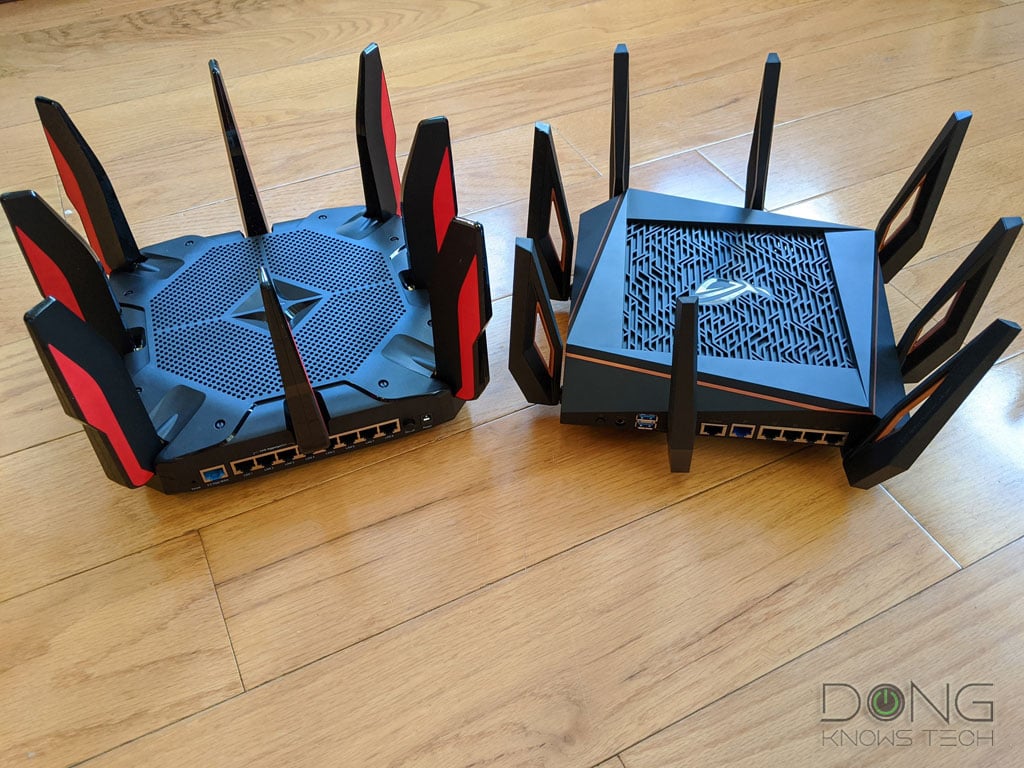
- Top standalone routersoften have strong signals and good range.
- They work well if your home is not too big or complex.
- Standalone routers are easier to set up than mesh systems.
- These routers are best for simple layouts with fewer floors.
| Router Type | Best For | Price Range |
|---|---|---|
| Mesh Systems | Large homes, multiple floors | High |
| Standalone Routers | Small to medium homes | Medium to High |
| Affordable Options | Budget-friendly, basic coverage | Low |
Credit: dongknows.com
Optimizing Your Network Setup
Choosing the right router for a multi-floor home ensures seamless connectivity. Opt for a dual-band or tri-band router with strong signal strength. Mesh systems can also effectively cover multiple floors, enhancing your network setup.
Firmware Updates And Settings
Keeping your router’s firmware updatedis crucial. Updates fix bugs and improve performance. Check your router’s settings often. This keeps your network running smoothly. Adjust the settings for better coverage across floors.
Channel Selection And Bandwidth
Choose the right Wi-Fi channelto reduce interference. Many devices use the same channels. Overlapping channels slow down your internet. Use a tool to find the best channel. Set your router to use it. Also, manage your bandwidthwisely. Prioritize important devices for smoother internet.
Security Considerations
Secure your networkwith a strong password. Use a mix of letters, numbers, and symbols. Enable WPA3 for better security. Regularly change your password. Turn off WPS for more safety. This helps keep intruders out.
Frequently Asked Questions
What Router Features Improve Multi-floor Wifi Coverage?
Routers with mesh technology and multiple antennas enhance signal strength across floors. Tri-band routers reduce interference and boost speed. Look for routers supporting beamforming and MU-MIMO for better device connections. These features ensure stable, fast WiFi on every floor of your home.
Are Mesh Routers Better For Multiple Floors?
Yes, mesh routers create a unified network using multiple nodes. They offer seamless coverage across floors and large spaces. Mesh systems automatically route traffic for optimal speed and connection. This makes them ideal for multi-story homes where a single router struggles to cover.
How Does Router Placement Affect Multi-floor Wifi?
Proper router placement minimizes signal obstruction and dead zones. Place the router centrally on the main floor for balanced coverage. Avoid placing routers near thick walls, metal objects, or electronics. Good placement improves WiFi reach and speed on all floors.
Can A Single Router Handle Multiple Floors Effectively?
A high-quality router with strong antennas can cover a few floors. However, coverage depends on building materials and layout. For large homes or many floors, mesh systems or extenders are better options. Single routers may struggle to maintain stable signals on all floors.
Conclusion
Choosing the right router helps keep your Wi-Fi strong on every floor. Think about signal range and walls that block signals. Mesh routers work well for big, multi-floor homes. They spread Wi-Fi evenly and reduce dead spots. Also, check for easy setup and good speed.
A good router means less buffering and better connections. Your whole house stays online without interruptions. Simple steps lead to better Wi-Fi everywhere. Make your home a place where internet works smoothly on all floors.