Are you looking to upgrade your home network but wondering which routers work best with Frontier? Choosing the right router can make a huge difference in your internet speed and connection reliability.
You don’t want to waste money on a device that won’t give you the performance you need. You’ll discover the top routers that are fully compatible with Frontier’s service. By the end, you’ll know exactly which options will boost your Wi-Fi and keep your devices running smoothly.
Keep reading to find the perfect match for your internet setup!
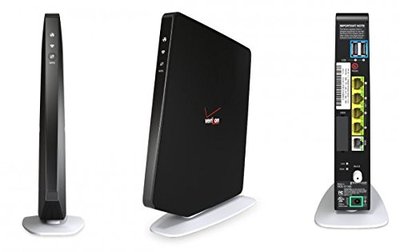
Credit: www.ebay.ca
Frontier Internet Compatibility
Frontier offers several types of internet services. These include Fiber Optic, DSL, and sometimes Fixed Wireless. Each service type needs a different kind of router. Fiber internet needs a fiber-compatible modemor a router that works with ONT devices. DSL users must use DSL modems or routerswith built-in DSL modems. Wireless routers work for all types but must match the service’s speed and tech.
Routers must support specific connection typeslike Ethernet or phone lines. They should handle the speed limitsoffered by Frontier plans. Also, routers need to support common standards like 802.11ac or 802.11axfor Wi-Fi. Compatibility with Frontier’s network settings is key. Check if the router supports PPPoE or DHCPlogin methods used by Frontier.
| Frontier Internet Type | Router Needs | Common Compatible Router Types |
|---|---|---|
| Fiber Optic | ONT device or fiber modem compatible | Fiber routers, Gigabit Ethernet routers |
| DSL | Built-in DSL modem, supports DSL signals | DSL modems, DSL routers |
| Fixed Wireless | Standard wireless routers with Ethernet ports | Standard Wi-Fi routers |
- Speed support:Choose routers that match your plan speed.
- Connection type:Fiber needs ONT, DSL needs phone line ports.
- Wi-Fi standards:Use routers with 802.11ac or 802.11ax for better speed.
- Login method:Routers must support PPPoE or DHCP as required.
- Firmware updates:Check if router gets regular updates for security.
Top Routers For Frontier In 2025
Discover the top routers compatible with Frontier in 2025. These routers ensure fast and reliable internet connections. Ideal for streaming, gaming, and working from home, these devices enhance online experiences effortlessly.
Best Overall Router
TP-Link Archer AX50offers fast speeds up to 3 Gbps. It supports Wi-Fi 6, which is great for many devices. Easy setup with Frontier services. Good range for medium-sized homes.
Budget-friendly Options
- Netgear R6700is affordable and reliable.
- Supports speeds up to 1750 Mbps.
- Simple to install with Frontier internet.
- Works well for small homes or apartments.
High-performance Routers
| Router Model | Speed | Features |
|---|---|---|
| Asus RT-AX88U | Up to 6000 Mbps | Wi-Fi 6, 8 LAN ports, good for gaming |
| Linksys MR9600 | Up to 6000 Mbps | Wi-Fi 6, mesh support, strong signal |
Mesh Wi-fi Systems
Google Nest Wificovers large homes with strong signals. Easy to add more points for wider coverage. Works well with Frontier internet for smooth connections.
Netgear Orbioffers fast speeds and good range. Simple setup and good for many devices at once.
Features To Look For In Frontier Routers
Speed and bandwidthare key for smooth internet use. Choose a router that supports high speeds to stream videos and play games without lag. Frontier often offers plans with different speeds, so match the router to your plan for the best performance.
Security featureskeep your network safe. Look for routers with strong encryption like WPA3 and built-in firewalls. These help protect your personal data from hackers and unwanted access.
Ease of setupmatters for quick installation. Routers with simple apps or web interfaces make it easy to connect and manage your network. This saves time and avoids frustration.
Range and coverageaffect how far the Wi-Fi signal reaches. A router with good coverage ensures your whole home or office gets a strong signal, even in larger spaces or through walls.
How To Set Up Your Router With Frontier
Connect your router to the Frontier modem using an Ethernet cable. Power on both devices. Wait for the lights on the router to stabilize. Open a web browser and enter the router’s IP address to access settings. Use the Frontier-provided username and password to log in.
Set the router’s connection type to DHCP or Dynamic IP. Enter the Frontier network details if asked. Save changes and reboot the router. Check the internet connection by visiting a website.
- Restart the router and modem to fix slow internet.
- Ensure cables are firmly connected.
- Reset the router to factory settings if needed.
- Update router firmware to the latest version.
- Contact Frontier support for persistent issues.
Future-proofing Your Router Choice
Support for upcoming technologiesis key to choosing a router for Frontier. New features like Wi-Fi 6 and mesh networking improve speed and coverage. A router that supports these will stay useful longer.
Regular firmware updateskeep your router secure and working well. Choose brands known for frequent updates and strong customer support. This helps fix bugs and add new features.
Scalabilitymeans the router can handle more devices and faster internet as your needs grow. Look for routers with multiple bands, strong processors, and easy setup for future expansion.

Credit: www.youtube.com
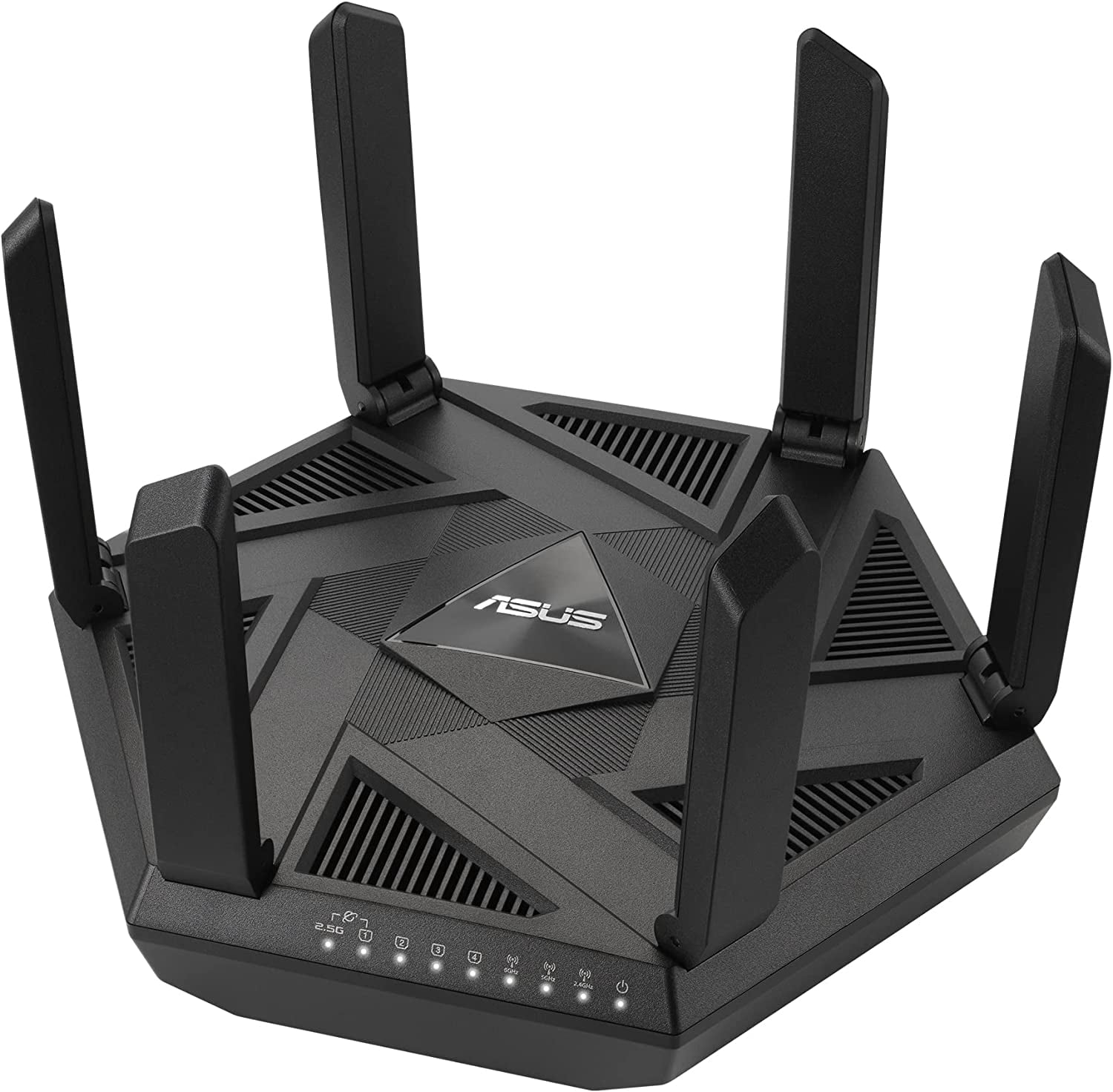
Credit: www.walmart.com
Frequently Asked Questions
What Routers Work Best With Frontier Internet?
Frontier supports most routers that use standard DSL or fiber connections. Popular brands like Netgear, TP-Link, and ASUS are compatible. Ensure the router supports your internet speed and connection type for optimal performance.
Can I Use My Own Router With Frontier Service?
Yes, Frontier allows customers to use their own routers. Make sure your router supports the required DSL or fiber standards. Using your own device can save rental fees and may improve network customization.
Does Frontier Provide A List Of Compatible Routers?
Frontier does offer a list of recommended routers for their services. This list helps ensure compatibility and optimal performance. Check Frontier’s official website or contact support for the latest router recommendations.
Are Mesh Routers Compatible With Frontier Internet?
Yes, mesh routers work well with Frontier’s Internet service. They provide better coverage and seamless connectivity across your home. Just ensure the mesh system supports your connection type and speed requirements.
Conclusion
Choosing the right router for Frontier is important for smooth internet. Many popular routers work well with Frontier’s service. Check the router’s specs and compatibility before buying. A good router helps keep your connection fast and steady. Spend time to find one that fits your needs and budget.
This way, you enjoy better Wi-Fi at home or work. Simple steps lead to better internet experience every day. Keep your devices updated and reset your router if needed. Reliable routers mean fewer connection problems and happier online time.