Are you tired of buffering ruining your 4K streaming experience? Imagine watching your favorite shows and movies in stunning ultra-high definition without a single pause.
That’s exactly what Wifi 6 can do for you. This new technology is designed to deliver faster speeds, stronger connections, and smoother streaming—so you can enjoy crystal-clear videos like never before. Keep reading to discover how Wifi 6 can transform your home entertainment and make endless 4K streaming a reality.
Benefits Of Wifi 6 For Streaming
Wifi 6offers much faster data transfer ratesthan older Wifi versions. This means 4K videos load quickly with less buffering. Streaming is smoother and more reliable.
Improved network efficiencylets multiple devices use the internet without slowing down. Wifi 6 handles many connections well. This helps in homes with lots of phones, tablets, or smart TVs.
Better performance in crowded networkshelps in places with many Wifi signals. Wifi 6 reduces interference and keeps the connection strong. Streaming 4K content stays clear even with many users nearby.
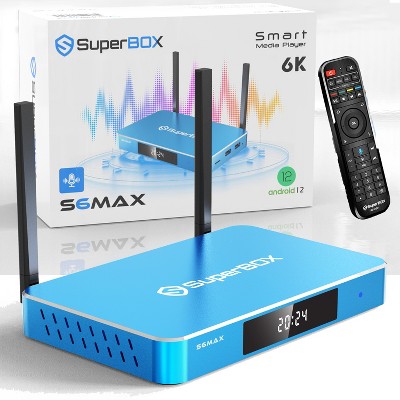
Credit: www.target.com
How Wifi 6 Enhances 4k Streaming
Wifi 6helps stream 4K videos smoothly by cutting down delays. This means less waiting and fewer pauses during streaming. It offers higher bandwidth, allowing more data to flow fast. This speed supports crisp and clear 4K video without buffering.
Multiple devices can connect at once without slowing down. Wifi 6 keeps the connection steady and reliable for all gadgets. This is great for homes where many people watch or play online at the same time.
| Feature | Benefit for 4K Streaming |
|---|---|
| Reduced Latency | Less delay, smoother video playback |
| Higher Bandwidth Support | Faster data flow, clear 4K quality |
| Stable Connections for Multiple Devices | Reliable streaming for many users |
Key Features Of Wifi 6 For Smooth Viewing
OFDMA technologyallows multiple devices to share the same WiFi channel. This helps reduce delays and improves data flow. It keeps streaming smooth, even if many devices are connected.
MU-MIMO enhancementslet the router talk to many devices at once. This means faster speeds and less waiting time. Streaming 4K videos becomes easier and clearer.
Target Wake Timesaves battery for your devices. It schedules when devices should wake up to send or receive data. This helps keep your devices ready without wasting power.
Comparing Wifi 6 With Previous Standards
Wifi 6offers much faster speeds than older Wifi versions. It can reach speeds up to 9.6 Gbps, while Wifi 5 tops at 3.5 Gbps. This speed boost helps with smooth 4K streamingwithout buffering.
Handling multiple devicesis better with Wifi 6. It uses a technology called OFDMA, which lets many devices connect at once. Old Wifi standards often slow down when many devices join the network.
| Feature | Wifi 6 | Previous Wifi (Wifi 5) |
|---|---|---|
| Speed | Up to 9.6 Gbps | Up to 3.5 Gbps |
| Device Handling | Supports many devices well | Slows down with many devices |
| Signal Range | Better range and reliability | Shorter range, less stable |
Wifi 6 also improves signal range and reliability. It keeps a strong connection farther from the router. This means fewer dropouts and better streaming quality in larger homes.
Optimizing Your Setup For Wifi 6 Streaming
WiFi 6 delivers faster speeds and lower lag, perfect for smooth 4K streaming. Adjust your router settings and place devices close for the best signal. This helps avoid buffering and keeps video quality sharp.
Choosing Compatible Devices
Ensure devices support Wifi 6. Check specifications before buying. Older devices might not work well. Newer devices can use faster speeds. Look for brands known for quality. Better devices enhance streaming.
Router Placement Tips
Place the router in the center of your home. Avoid walls and large furniture blocking signals. High places work best. Keep away from other electronics. This reduces interference. Proper placement boosts connection strength.
Firmware And Software Updates
Update the router’s firmware often. Updates fix bugs and improve performance. Check for updates monthly. Device software needs updates too. This ensures compatibility with Wifi 6. Regular updates help maintain speed.
Troubleshooting Common Wifi 6 Streaming Issues
Buffering problemsoften happen due to slow internet or router issues. Restart the router to refresh the connection. Check if other devices use too much bandwidth. Lower streaming quality if the internet speed is low. Keep the device close to the router for better signal strength.
Connectivity dropscan be caused by outdated router firmware. Update the firmware regularly to fix bugs. Avoid placing the router near walls or metal objects. Ensure the device’s WiFi drivers are updated. Use a WiFi analyzer app to find the best channel for your router.
Interference and signal obstaclesreduce WiFi 6 performance. Common sources include microwaves, cordless phones, and thick walls. Place the router in an open area, away from electronics. Use 5 GHz frequency band for less interference. Consider WiFi extenders or mesh systems for larger spaces.
Future Of Streaming With Wifi 6 And Beyond
Wifi 6 offers faster, more stable connections ideal for streaming 4K videos without buffering. This technology supports multiple devices, ensuring smooth playback in busy homes. Future Wifi versions will continue to enhance streaming quality and speed.
Wifi 6 makes streaming faster and smoother. It uses better technology for quick internet. This means less waiting time. More people can stream at the same time. Wifi 6 helps gadgets talk to each other better. Smart homes use many gadgets. Wifi 6 helps them work together. Lights, TVs, and speakers connect easily. This makes the home smarter. Devices can share information quickly. Everything works more smoothly. 8K and VR need lots of data. Wifi 6 can handle this demand. It allows clearer pictures and smoother experiences. Imagine watching a movie like real life. Wifi 6 makes this possible. It supports the future of streaming. `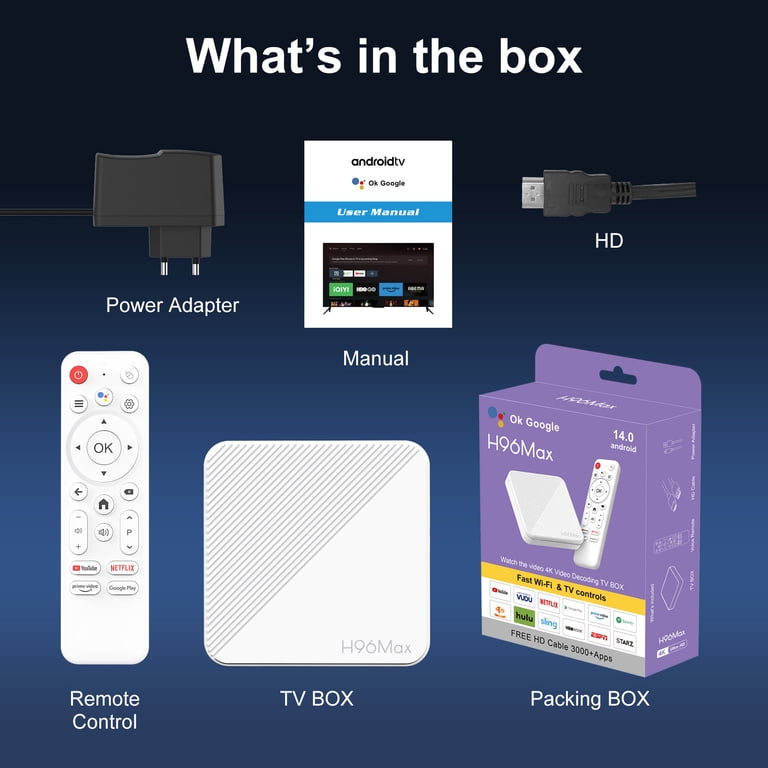
Credit: www.walmart.com
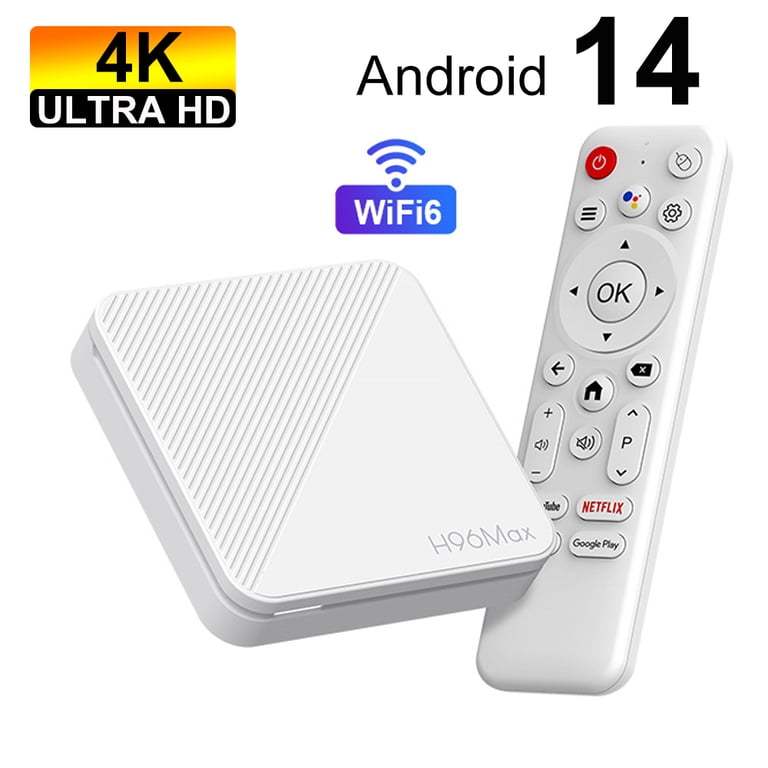
Credit: www.walmart.com
Frequently Asked Questions
What Is Wifi 6 And How Does It Improve Streaming?
WiFi 6 is the latest wireless standard offering faster speeds and lower latency. It enhances 4K streaming by reducing buffering and improving connection stability, even with multiple devices connected simultaneously.
Why Is Wifi 6 Better For 4k Video Streaming?
WiFi 6 supports higher data rates and increased capacity. This ensures smooth 4K streaming with minimal lag or interruptions, especially in busy home networks with many connected devices.
Can Wifi 6 Reduce Buffering During 4k Streaming?
Yes, WiFi 6 reduces buffering by optimizing data transmission. It handles network congestion efficiently, delivering consistent high-speed connections essential for uninterrupted 4K video playback.
Do I Need A Wifi 6 Router For 4k Streaming?
While not mandatory, a WiFi 6 router significantly improves 4K streaming quality. It provides faster speeds, better range, and supports more devices without sacrificing performance.
Conclusion
Wifi 6 makes streaming 4K videos smooth and fast. It handles many devices without slowing down your connection. You get less buffering and clearer pictures. This technology helps you enjoy movies and shows without interruption. Upgrading to Wifi 6 means better internet for all your streaming needs.
Simple and effective. A smart choice for today’s busy homes.