Are you wondering if you really need both a modem and a router for your Xfinity internet? It’s a common question that can save you money and hassle.
Choosing the right equipment affects your internet speed, security, and overall experience. You’ll discover exactly what each device does, why they matter, and how to decide what’s best for your home. Keep reading to make sure you get the most from your Xfinity service without paying for extras you don’t need.

Credit: www.youtube.com
Xfinity Internet Basics
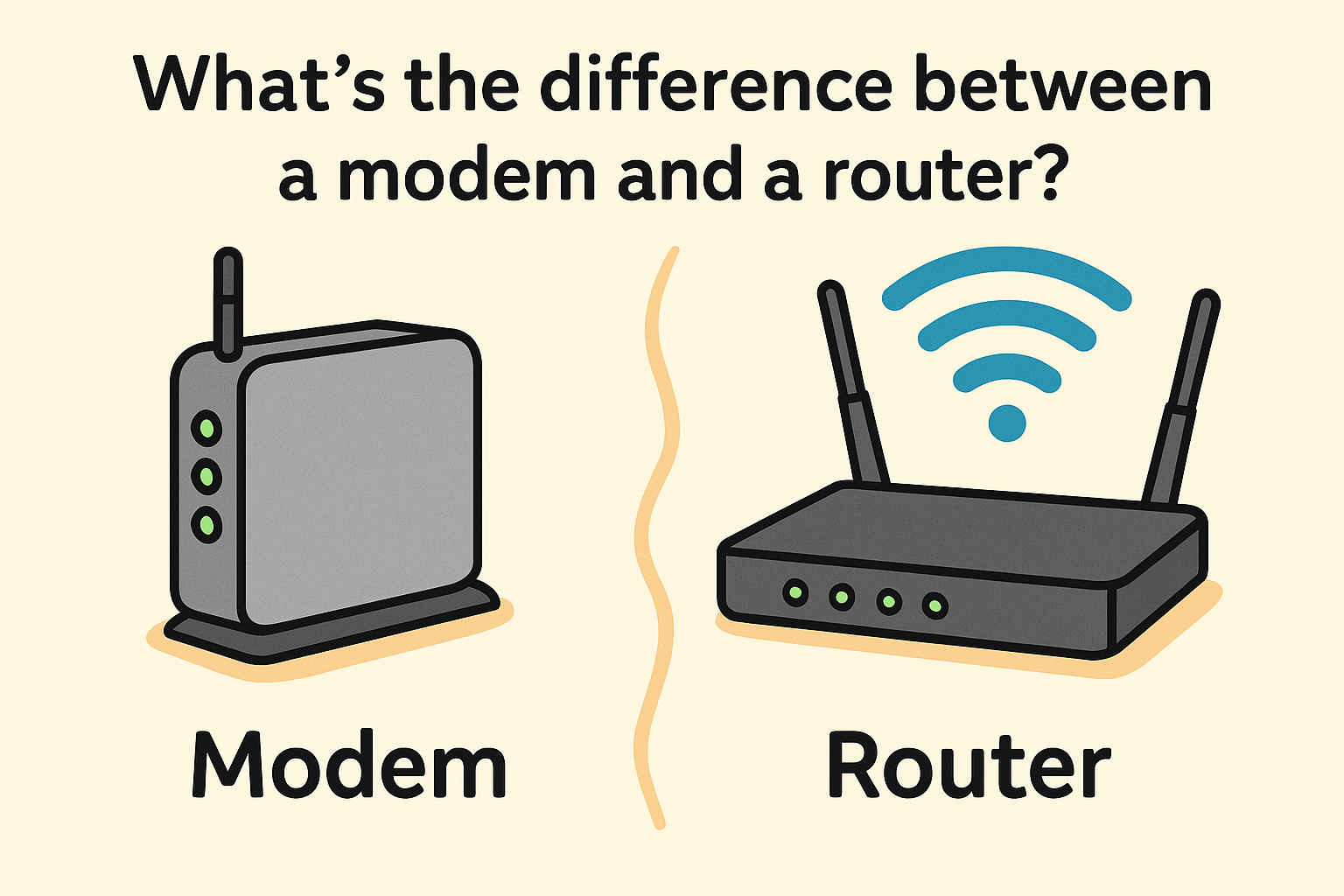
Xfinity internet needs two main devices to work: a modemand a router. The modem connects your home to the internet through the cable line. It changes the signal from the cable into internet data your devices can use.
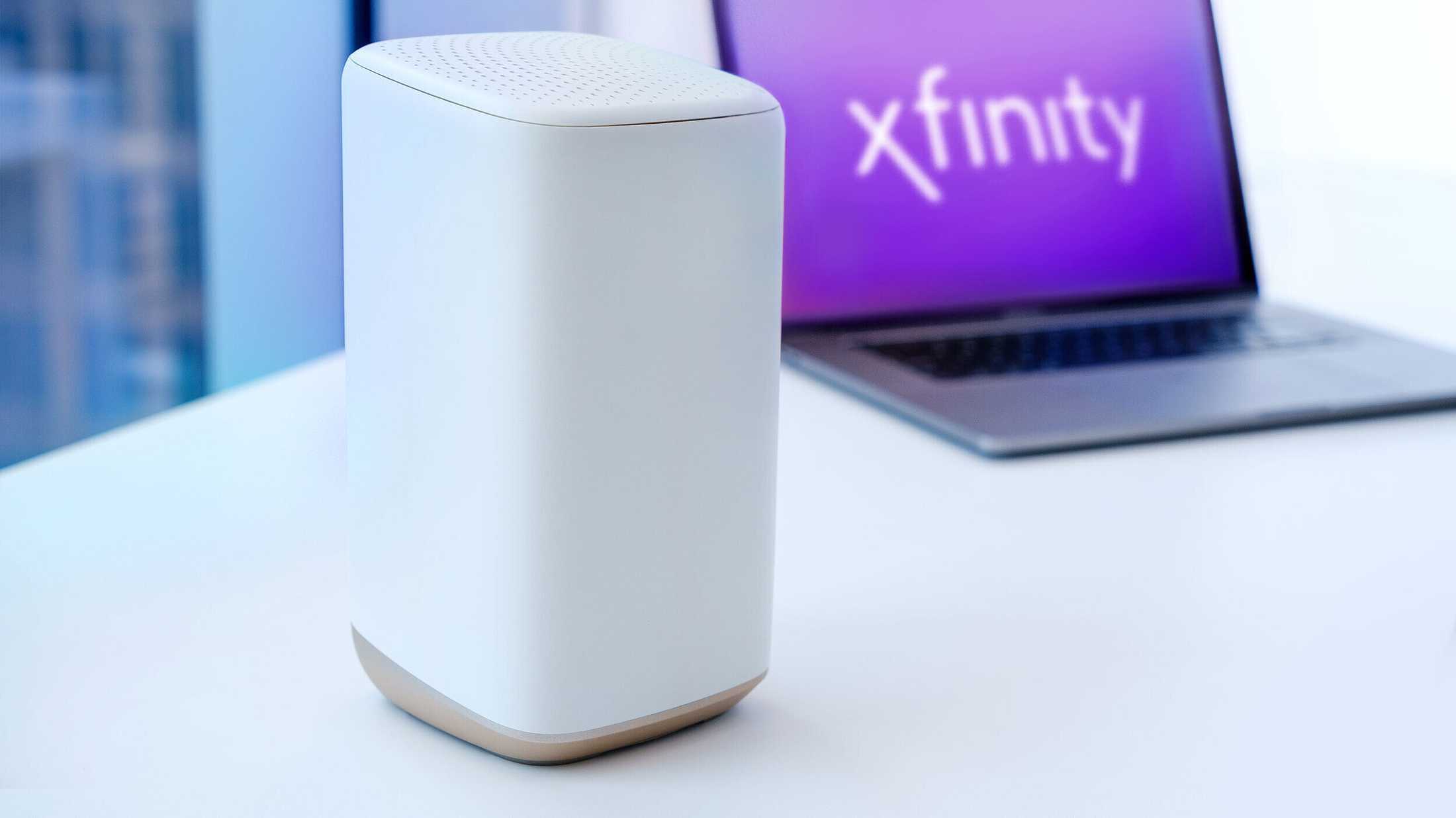
The router spreads the internet inside your home. It creates a Wi-Fi network so many devices can connect at once. Some devices combine both modem and router in one box, called a gateway.
| Device | Main Role |
|---|---|
| Modem | Connects your home to the internet via cable |
| Router | Creates Wi-Fi network for multiple devices |
| Gateway | Combines modem and router in one device |
Do You Need Both Modem And Router?
A modemconnects your home to the internet through your cable provider. It changes the internet signal into one your devices can use. You can plug a computer directly into a modem to get online. But only one device can connect this way. No Wi-Fi is available without a router.
A routershares internet to many devices. It creates a Wi-Fi network. But a router cannot connectto the internet alone. It needs a modem to bring the internet signal to your home first.
Some devices combine both modem and router. This saves space and setup time. You get internet and Wi-Fi in one box. But separate devices may offer better speed and control.
Renting Vs Buying Equipment
Deciding between renting or buying a modem and router for Xfinity depends on your budget and tech comfort. Owning equipment may save money long-term, while renting offers convenience and easy replacements. Consider your needs before choosing the best option.
Pros And Cons Of Renting
- Easy setup:Modem and router are ready to use.
- Support included:Provider fixes or replaces equipment.
- Monthly fee:Adds cost to your bill.
- Less control:Limited features and upgrades.
Benefits Of Buying Your Own
- One-time cost:No monthly rental fees.
- More choices:Pick equipment that fits your needs.
- Better performance:Often faster and more reliable.
- Full control:Customize settings as you like.
Cost Comparison
| Renting | Buying | |
|---|---|---|
| Initial cost | Low or none | High |
| Monthly cost | $10-$15 | None |
| Total cost after 1 year | $120-$180 | Varies ($60-$150) |
| Long-term savings | Low | High |
Credit: www.androidpolice.com
Choosing The Right Modem For Xfinity
Compatibilitywith Xfinity is key for your modem choice. The modem must support Xfinity’s network standardsto work properly. Most modems use DOCSIS 3.0 or 3.1 technology. DOCSIS 3.1 is faster and better for future needs. The device should also handle your chosen internet speed. Check if the modem is approved by Xfinity. This ensures it meets their requirements.
| Modem Model | DOCSIS Version | Max Speed | Xfinity Approved |
|---|---|---|---|
| Motorola MB8611 | 3.1 | Up to 2 Gbps | Yes |
| Netgear Nighthawk CM1200 | 3.1 | Up to 2 Gbps | Yes |
| Arris SURFboard SB8200 | 3.1 | Up to 1 Gbps | Yes |
| Netgear CM500 | 3.0 | Up to 300 Mbps | Yes |
Selecting The Best Router For Your Needs
Choosing the right router depends on your internet setup with Xfinity. Often, a modem and router are both needed for proper connection. Renting or buying the right devices ensures smooth and fast internet at home.
Wi-fi Standards To Consider
Wi-Fi standards are like rules for wireless signals. They help devices talk. Older routers use Wi-Fi 4. Newer ones use Wi-Fi 5 or 6. Wi-Fi 6 is faster and handles more devices. It’s great for busy homes. Wi-Fi 5 is also good and cheaper. Choose what fits your home size and device count. A small home with few gadgets can use Wi-Fi 5. A big house with many devices benefits from Wi-Fi 6. Always check for compatibility with your service provider.
Recommended Routers For Xfinity
- Netgear Nighthawk AC1900:Great for streaming and gaming.
- TP-Link Archer A7:Affordable and reliable for small homes.
- ASUS RT-AX3000:Supports Wi-Fi 6 and many devices.
These routers work well with Xfinity. They offer good speed and coverage. Choose based on your needs and budget. Always ensure compatibility with your internet service.
Setup Tips For Xfinity Modem And Router
Plug the modem into a power outlet. Use a coaxial cableto connect it to the wall jack. Wait for the lights to stop blinking. This means the modem is ready. Connect your computer to the modem with an Ethernet cable. Open a web browser. Follow the instructions on the Xfinity setup page.
Connect the router to the modem with an Ethernet cable. Plug the router into a power source. Wait for the lights to stabilize. Open a web browser on your computer. Type in the router’s IP address. Log in with the default username and password. Change the Wi-Fi nameand passwordto keep it secure. Save your settings.
- Ensure all cables are connected properly.
- Restart the modem and router.
- Check if the modem and router lights are on.
- Try connecting with another device.
- Contact Xfinity support for help.
Enhancing Your Xfinity Network
Improving Wi-Fi coverage helps you get better internet in all rooms. Place your router in a central spot. Avoid walls and large metal objects near the router. Use Wi-Fi extenders or mesh systems to cover big homes. Changing the Wi-Fi channel can reduce interference from neighbors’ networks.
Security keeps your network safe from hackers. Always set a strong, unique password for your Wi-Fi. Enable WPA3 or WPA2 encryption on your router. Update your router’s firmware regularly to fix security issues. Turn off WPS (Wi-Fi Protected Setup) to avoid easy access. Limit the number of devices connected to your network for better control.
Credit: www.xcitium.com
Frequently Asked Questions
Do I Need Both Modem And Router For Xfinity?
Yes, you need both a modem and a router for Xfinity. The modem connects to the internet, while the router shares Wi-Fi with devices. Xfinity often rents combined modem-router devices, but separate ones can offer better performance and control.
Can I Use My Own Modem With Xfinity?
Yes, you can use your own modem with Xfinity. Make sure it is compatible and approved by Xfinity. Using your own modem can save rental fees and improve your network’s reliability and speed.
Is A Router Necessary For Xfinity Internet?
A router is necessary if you want Wi-Fi access at home. Without a router, you get internet only through a wired connection. Most users prefer routers to connect multiple devices wirelessly and manage their home network.
Does Xfinity Provide A Modem And Router?
Xfinity offers a gateway device that acts as both modem and router. You can rent this gateway or use your own equipment. Renting is convenient but may cost more over time compared to owning your own devices.
Conclusion
Choosing the right devices keeps your internet fast and steady. A modem connects your home to Xfinity’s network. A router shares that connection with all your devices. Sometimes, one device can do both jobs. Owning your modem and router can save rental fees.
Renting is easier but may cost more over time. Decide based on your budget and tech comfort. Clear internet means better streaming, gaming, and browsing. Simple setup brings fewer problems later. Think about your needs and pick what fits best.